Guide
Inventory control that survives a busy month
Everyone starts an inventory. The hard part is that it still adds up in March. The difference isn't the software — it's how many steps sit between selling something and writing it down.
An inventory goes stale for one reason: somewhere in the day you have to stop what you're doing to feed it. On a busy week that step gets skipped, and once the number has been wrong once, nobody trusts it again.
This is the short method: build the catalogue once, decide where each thing lives, count with the camera instead of the keyboard, and read four numbers a week. It's written around Inventury, but the rules hold with any tool.
Build the catalogue once, properly
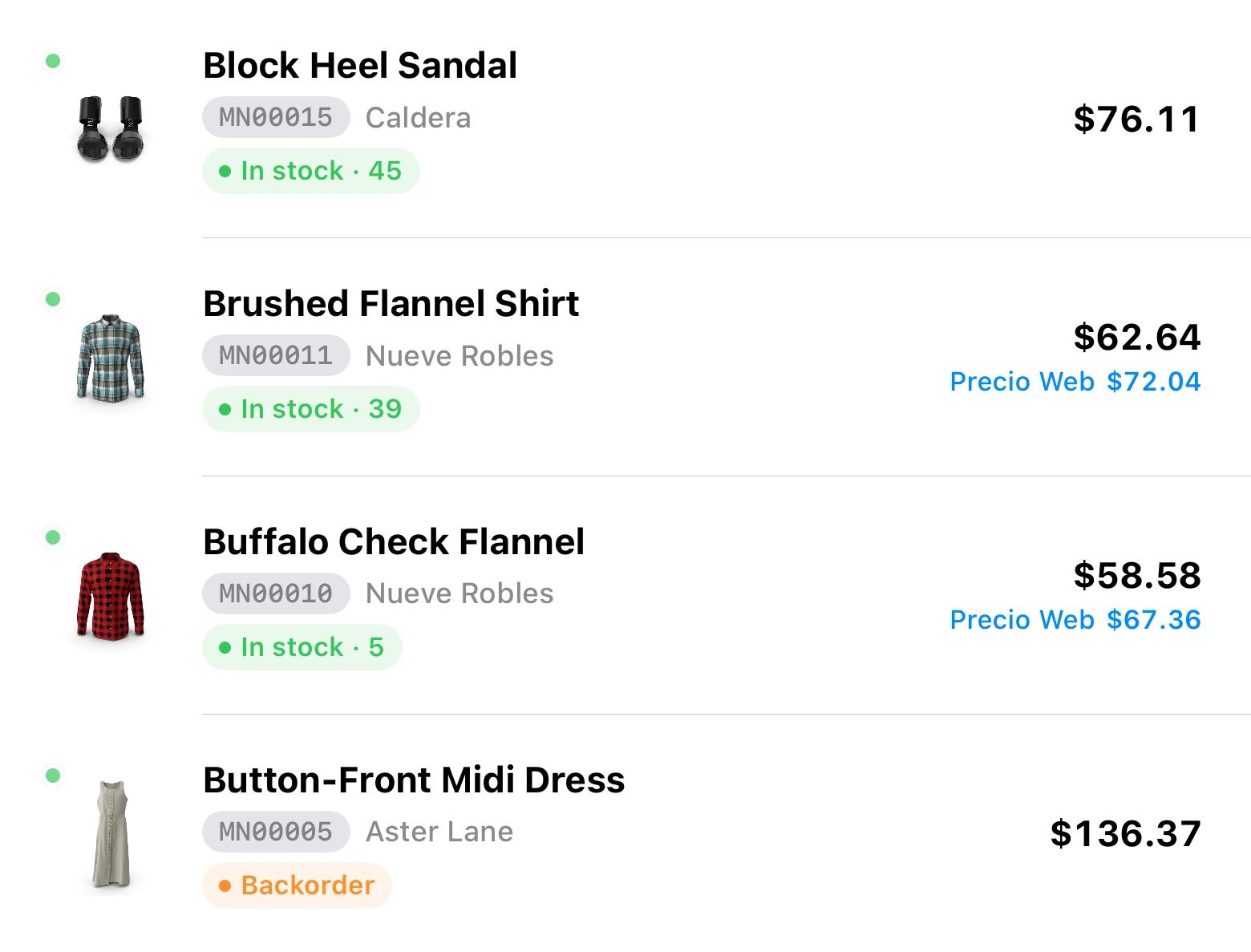
The heavy work of inventory control happens on day one. Every item wants a name, your own SKU, the manufacturer's barcode, a photo and a category. With that, finding it no longer depends on remembering what you called it.
Anything sold in sizes, colours or formats belongs as variations of one item, each with its own stock, price and SKU. That decision costs the most later: if every size is a loose item, the catalogue is unreadable within a month.
- Your SKU and the manufacturer's UPC/EAN live on the same item
- Variations with their own stock, price and SKU
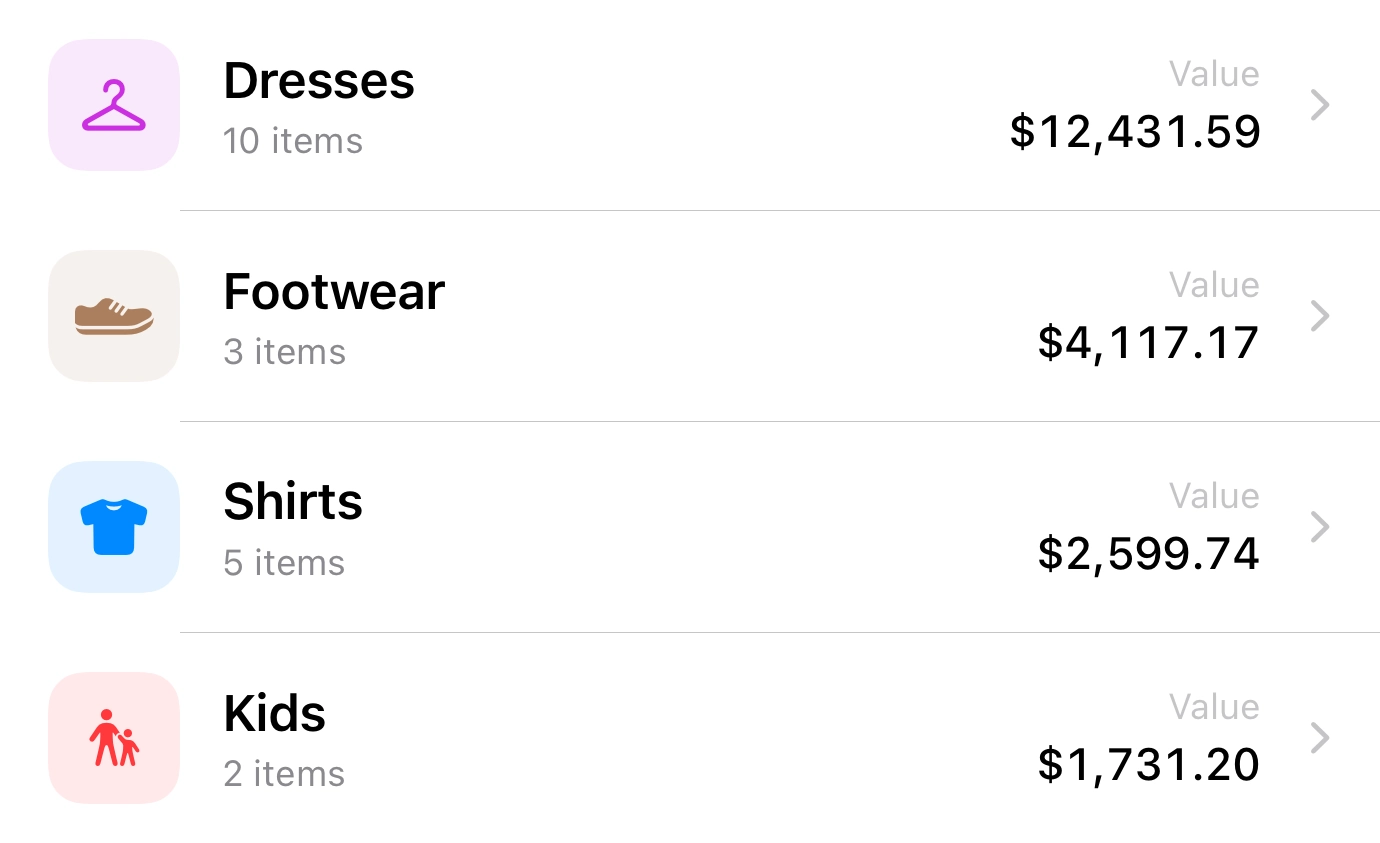
- Categories and brands, for when the list stops fitting on one screen
- Duplicate detection by SKU or UPC, so you choose which one stays
A place for each thing, and transfers instead of edits
Almost no business keeps one pile of stock. There's a counter and a back room, a shop and a garage, what's held for the website and what's physically here. When the inventory can't tell those apart, the global number stops meaning anything.
In Inventury each location carries its own count, and moving product is a recorded transfer with its own history. Hand-editing two numbers to fake a movement is what kills traceability: a month later nobody knows whether that stock moved, sold or walked.
Free works with one location, Pro goes up to three, Business has no limit. Transfers start at Pro.
Count with the camera, not the keyboard
Typing references is where the hours go and where the mistakes come from. The scanner reads factory codes and the ones you print yourself, and the search looks at your SKU, the UPC, the QR code and the supplier's SKU at once — whichever of the four you happen to be holding.
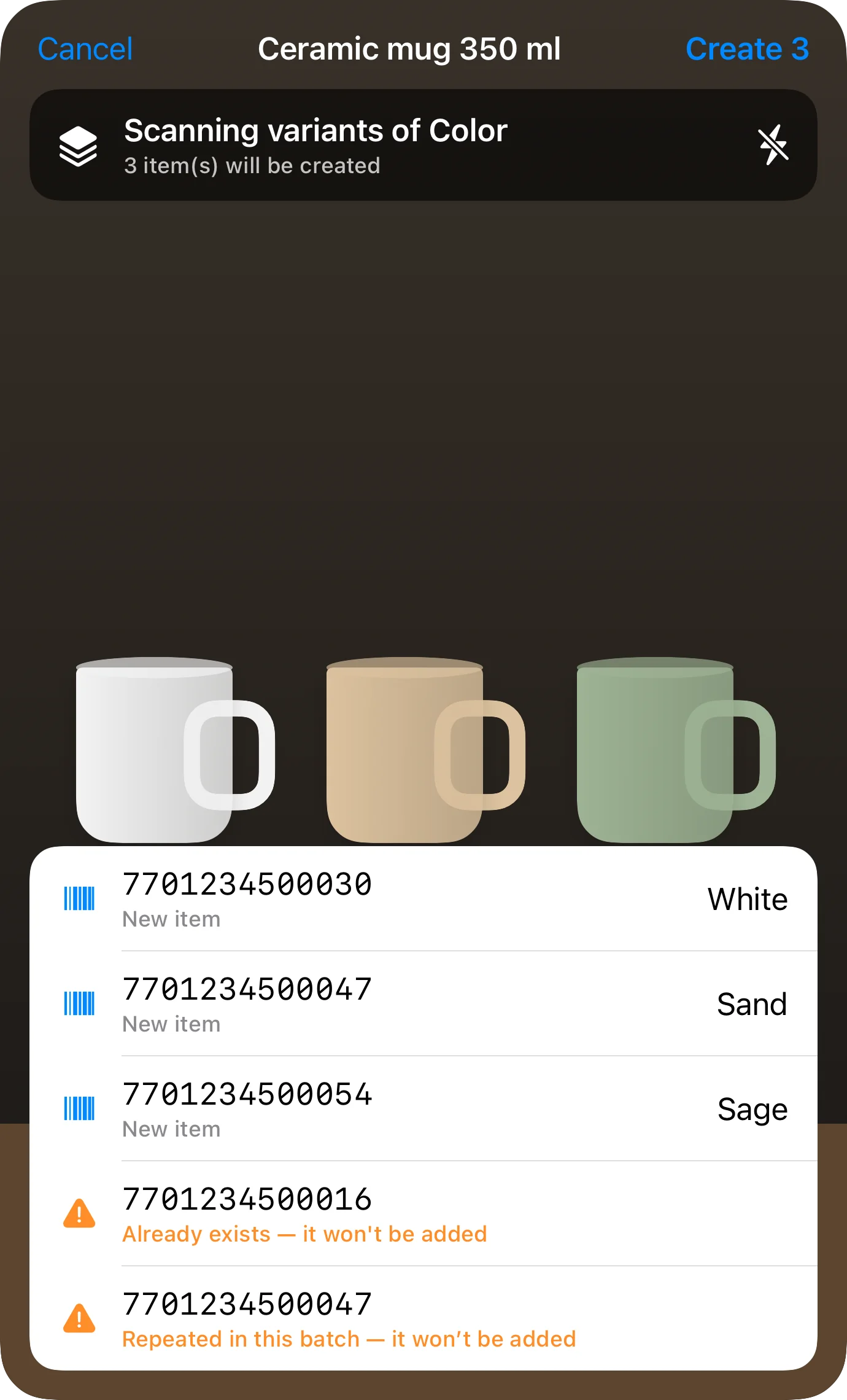
For receiving there's batch scanning: several codes in a row without leaving the camera. And when a code isn't in your catalogue, the app offers to create the item with that code already attached, which is exactly what you need when new goods land.
- EAN-13, EAN-8, UPC-E, Code 128, Code 39, Code 93, QR and PDF417
- Batch scanning, for receiving without closing the camera
- Torch, for the dark aisle and the back room
- Printable QR codes for anything that arrives unlabelled
Make selling and recording the same gesture
This is the rule that decides whether the method survives. If selling and deducting are two separate tasks, the second one doesn't happen on busy days — which are precisely the days that move the most stock.
In Inventury the sale deducts by itself: from the counter register, with its shift and its receipt, or recorded straight from the item. If the item sits at zero — sold to order — the sale is recorded and stock isn't touched; cancelling it puts the units back. The one exception is importing sales by CSV, which is history that already happened and deliberately doesn't deduct.
Ten minutes a week on the numbers that decide
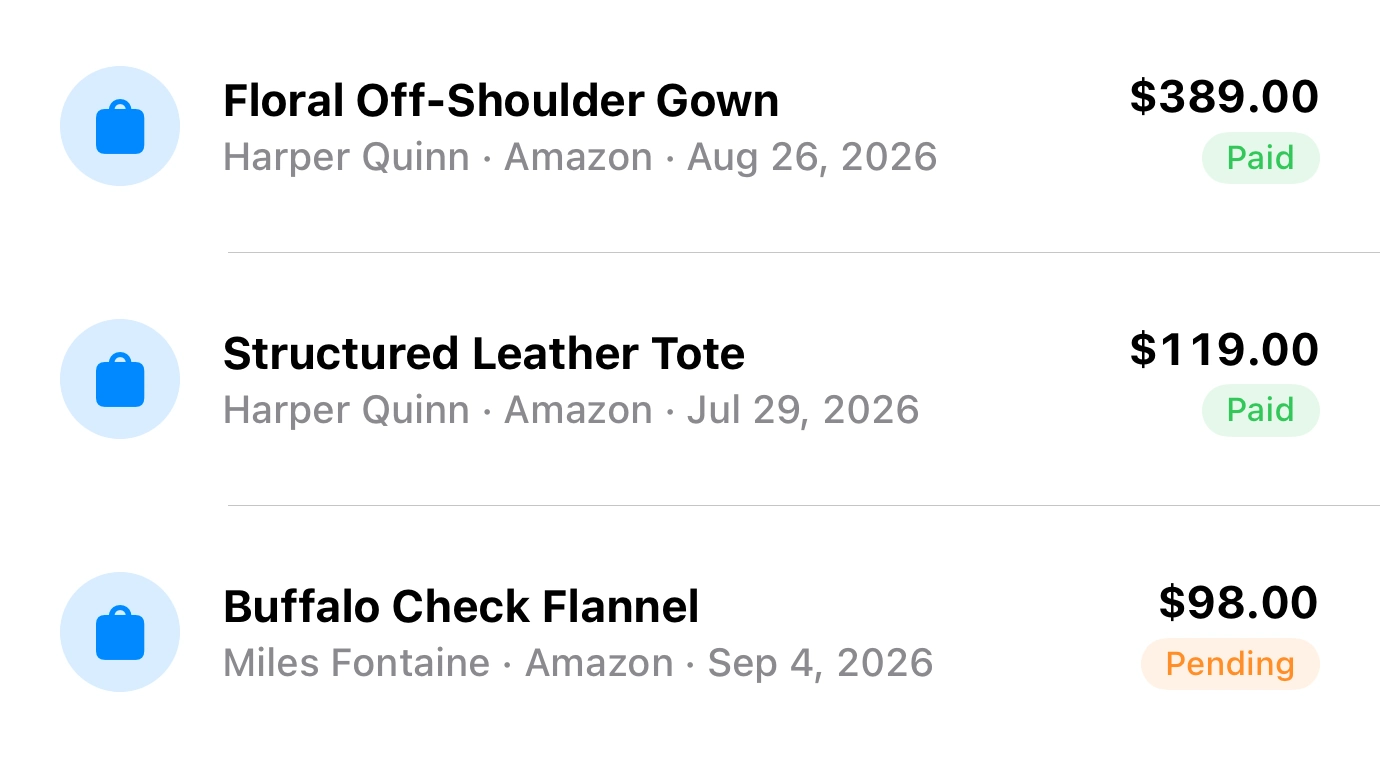
Inventory control doesn't hold up by counting more. It holds up by reading the right four things: what sold, what margin it left, what's running out, and what's been sitting still for months tying up cash.
Reports filter by period, location, platform and payment status, because the same item doesn't leave the same money sold over the counter as sold through a channel that takes a cut. Whatever you review exports to PDF, and so does the full inventory.
The app sends no notifications: low stock and expiring batches show when you open it, they don't arrive on your phone.
What each piece of the method needs
| Piece | Minimum plan | What it's for |
|---|---|---|
| Catalogue, scanner and labels | Free | Building the inventory and finding it by code |
| Multiple locations and transfers | Pro | Keeping counter, back room and web stock apart |
| Sales, customers and reports | Pro | Selling deducts, and the week can be read |
| Counter register | Business | Taking payment with shifts, cash-up and receipts |
| Connected stores | Business | One stock shared with WooCommerce or Shopify |
Free covers 10 active items and doesn't expire. Pro and Business include a seven-day trial.
Frequently asked questions
How often should I count stock?
Counting everything at once is the thing nobody repeats. Cycle counting works better: one category a week, with the scanner, without closing the shop. Fast movers get counted often; what's been still for months barely needs it.
Will it tell me when something is about to run out?
Not with a push notification — the app doesn't send any. Each item carries its stock state in colour (in stock, sold to order, out of stock) and the reports show what's running down. You see it when you open the app.
Can I track metres, kilos or litres with decimals?
Not yet. Stock is whole units, so selling 2.5 m or 1.3 kg can't be represented. Weight and dimensions are stored as item details, not as a selling unit.
My inventory is in a spreadsheet. Do I start over?
No. It imports from CSV with visual column mapping, and photos come in as a ZIP alongside the file. The usual path is to export your sheet to CSV, check the name, SKU, stock and price columns, and import.
Can more than one person keep it up?
Yes. You share the store and each person signs in with their own Apple ID, with view or edit permission. Pro includes 2 collaborators, Business up to 10.
Set the method up this week
Inventury is on the App Store. The free plan covers 10 items — enough to test the method on whatever moves fastest.