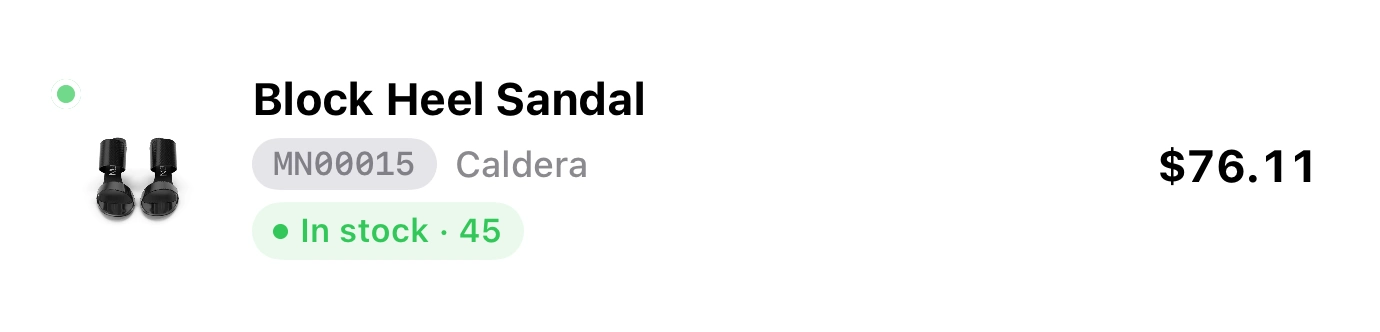



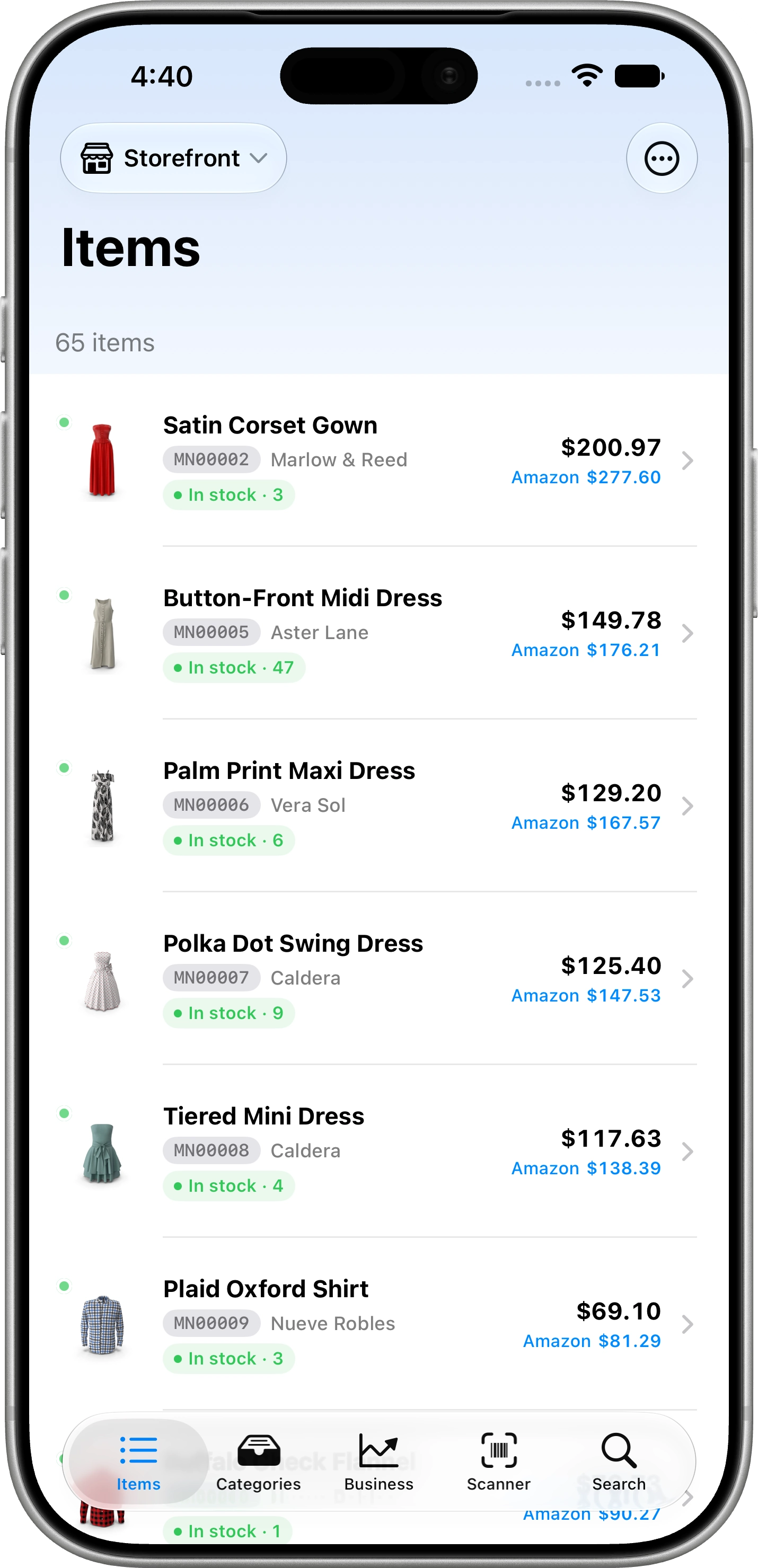
Inventory. Products and services, SKU, UPC/EAN, variations, batches, locations and transfers.
Welcome to
 Your inventory lives in iCloud
Inventory that finally makes sense. Stock, real cost, prices per channel, sales and customers on iPhone and iPad, with everything kept in your iCloud.
Free plan that never expires · iPhone & iPad

On your computer?
Scan the code with your iPhone camera to open the App Store.
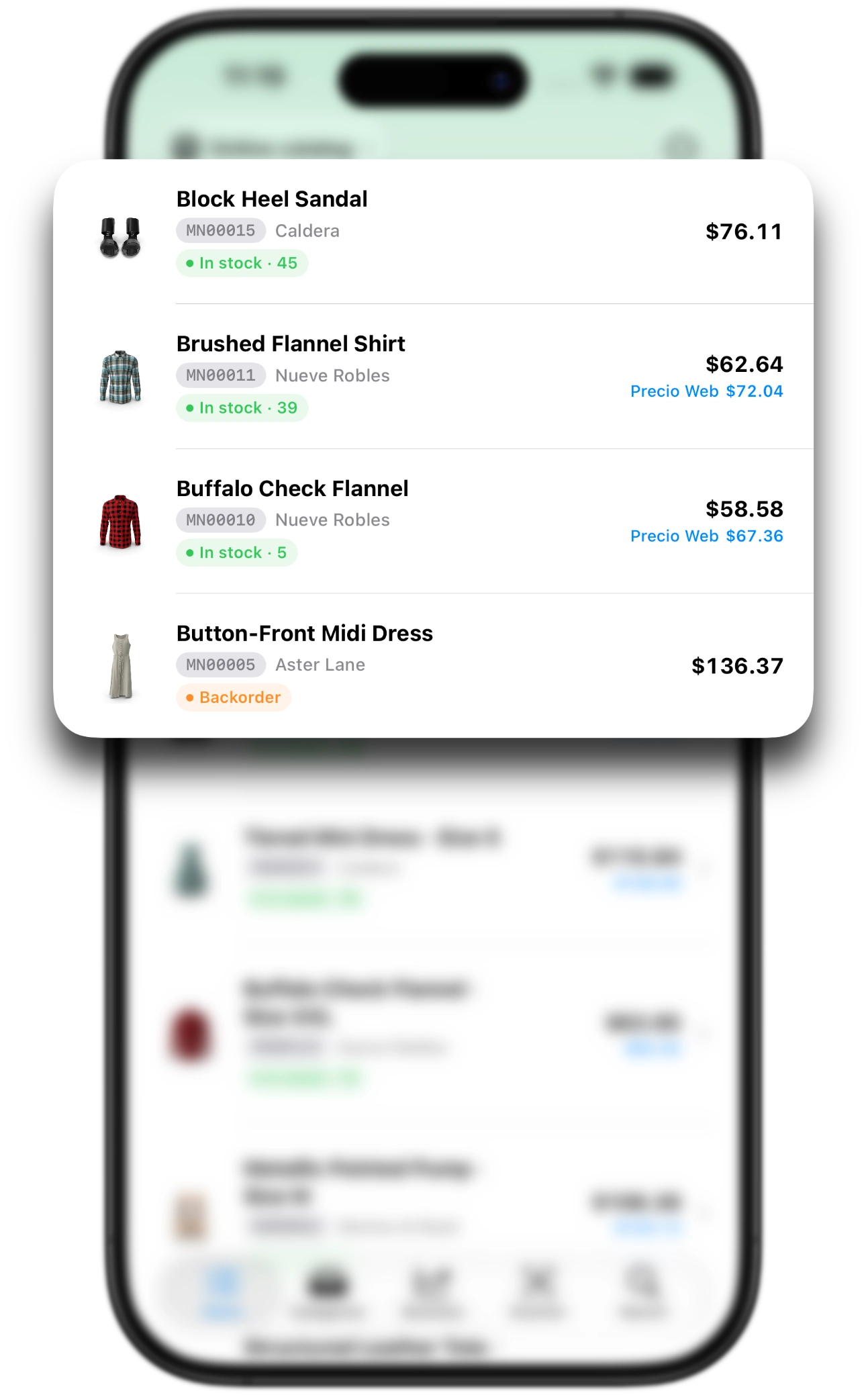
Inventory, costing, pricing, sales, customers, online store and insights — connected to each other.
Inventory. Products and services, SKU, UPC/EAN, variations, batches, locations and transfers.
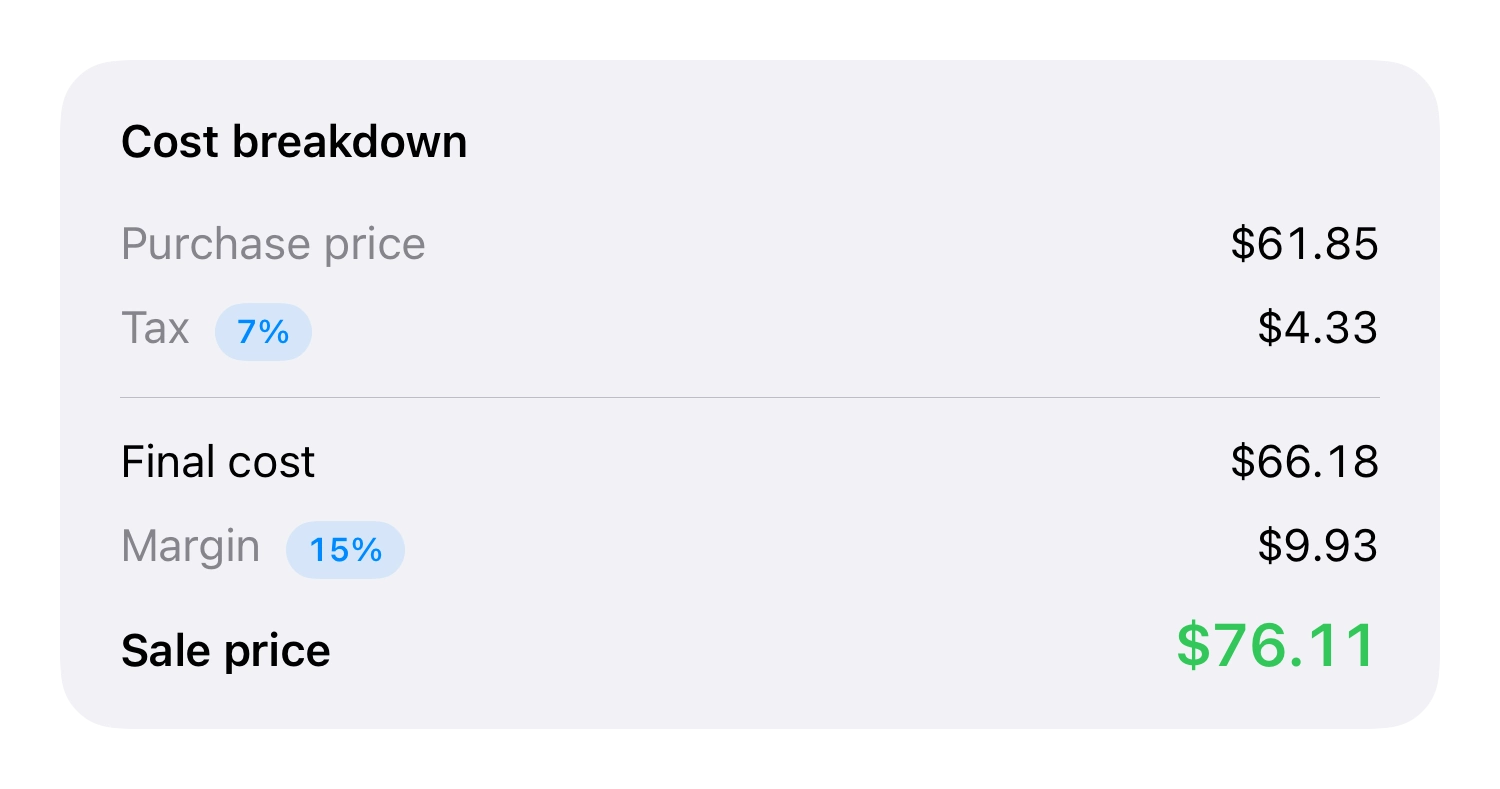
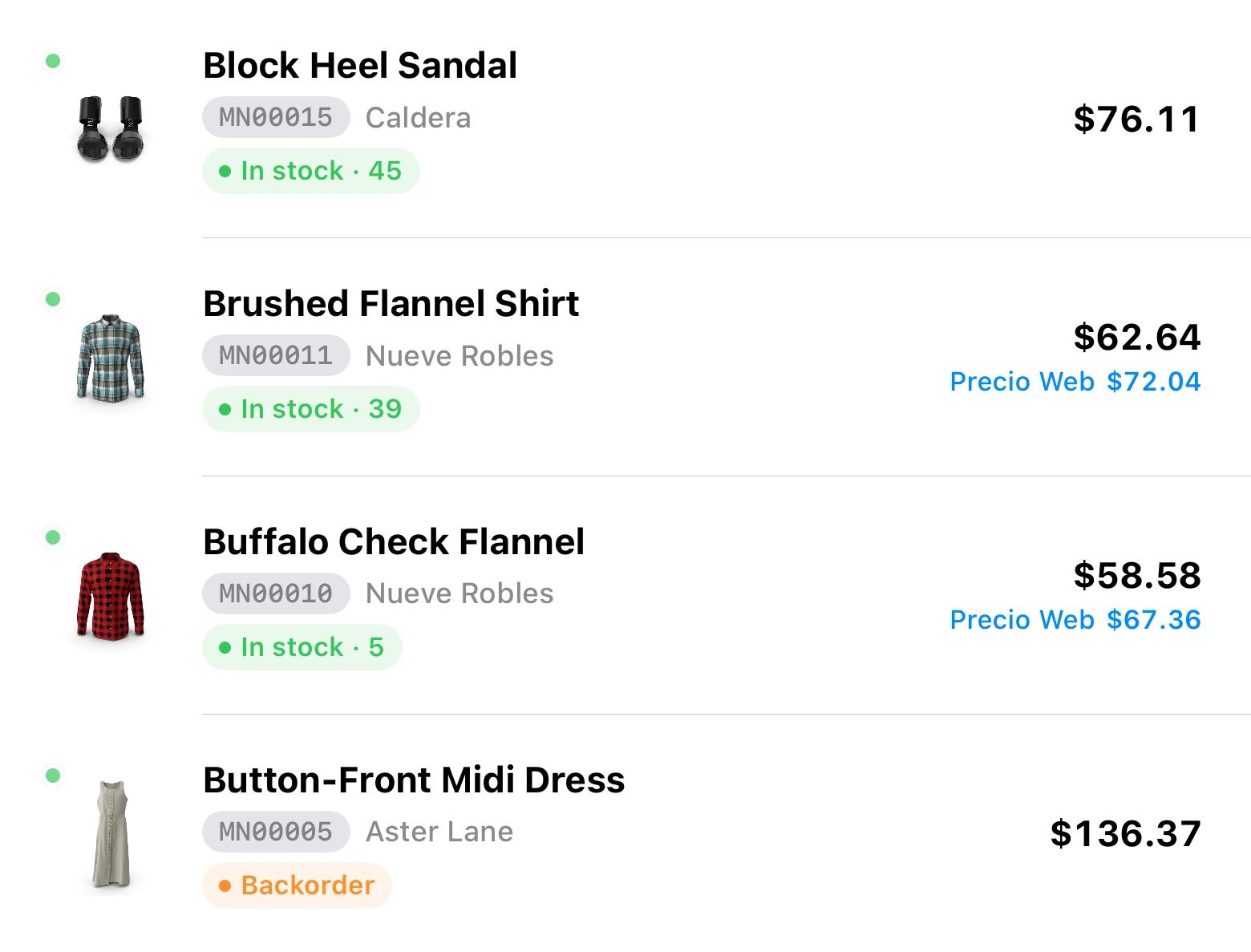
Costing & pricing. Real cost with currencies, import costs and channel commissions.
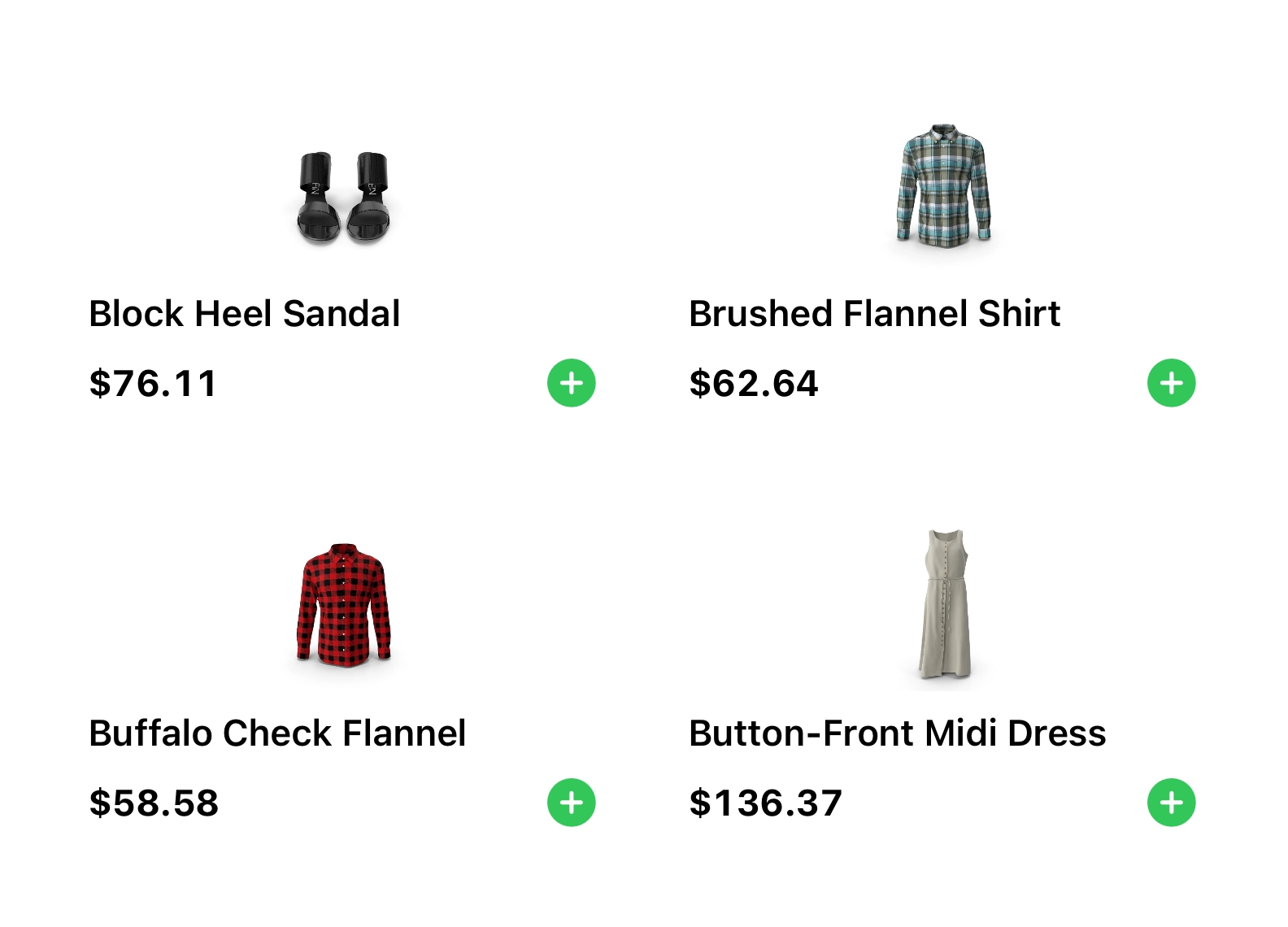
Sales & POS. Sell, draw down stock and record the sale in one flow.
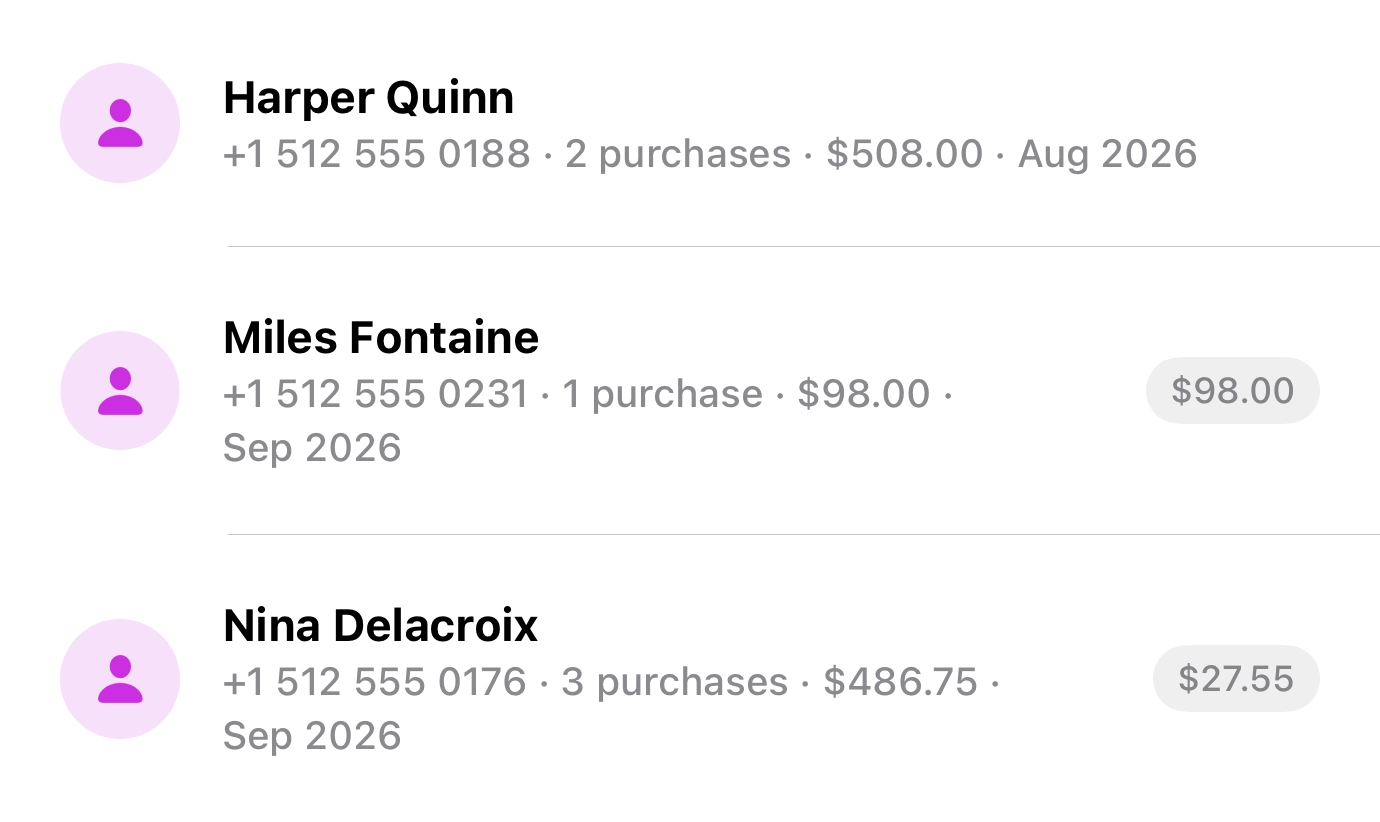
Customers. Profiles, documents, addresses and connected sales.
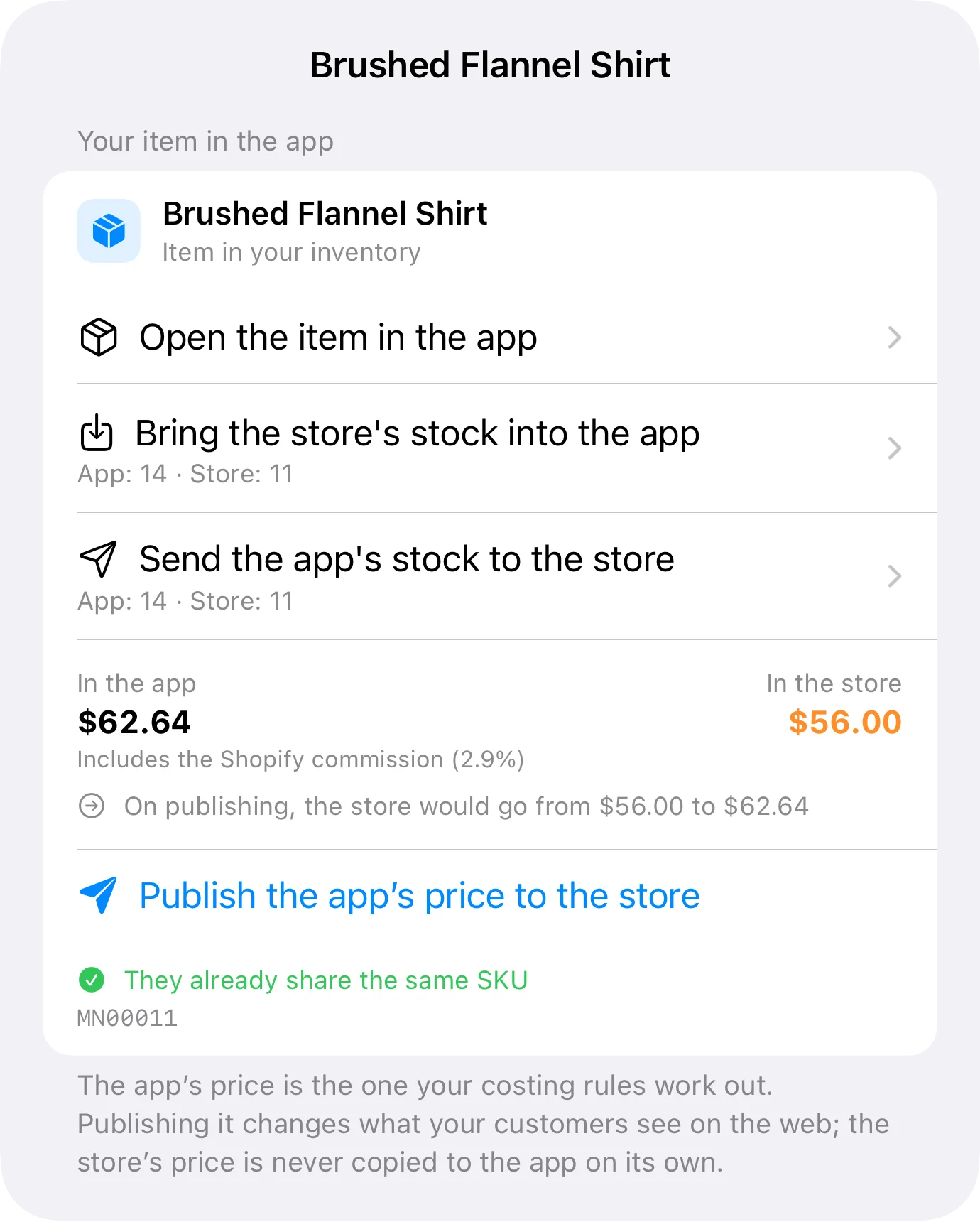
Connected stores. WooCommerce and Shopify: catalog, price and stock.
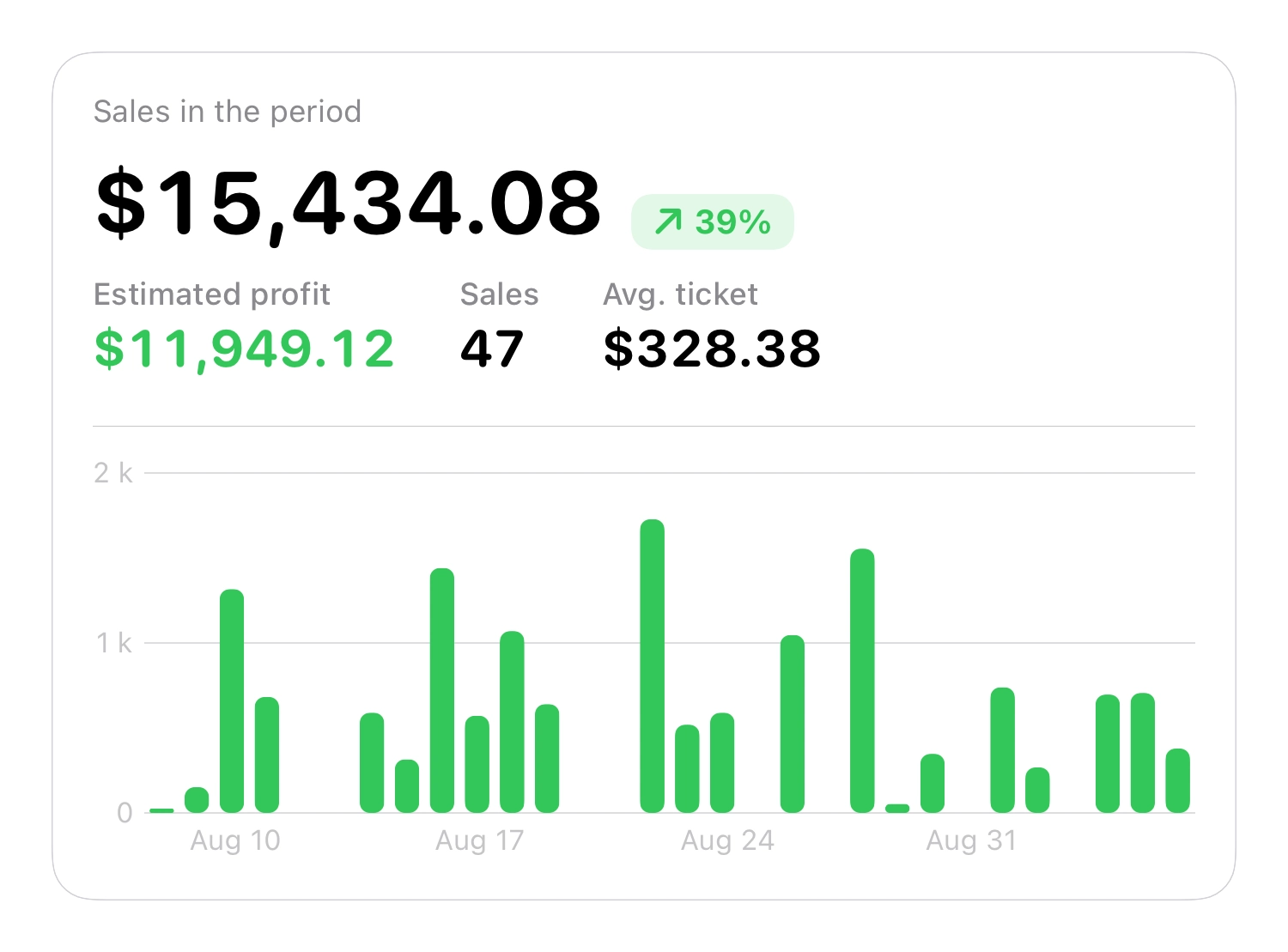
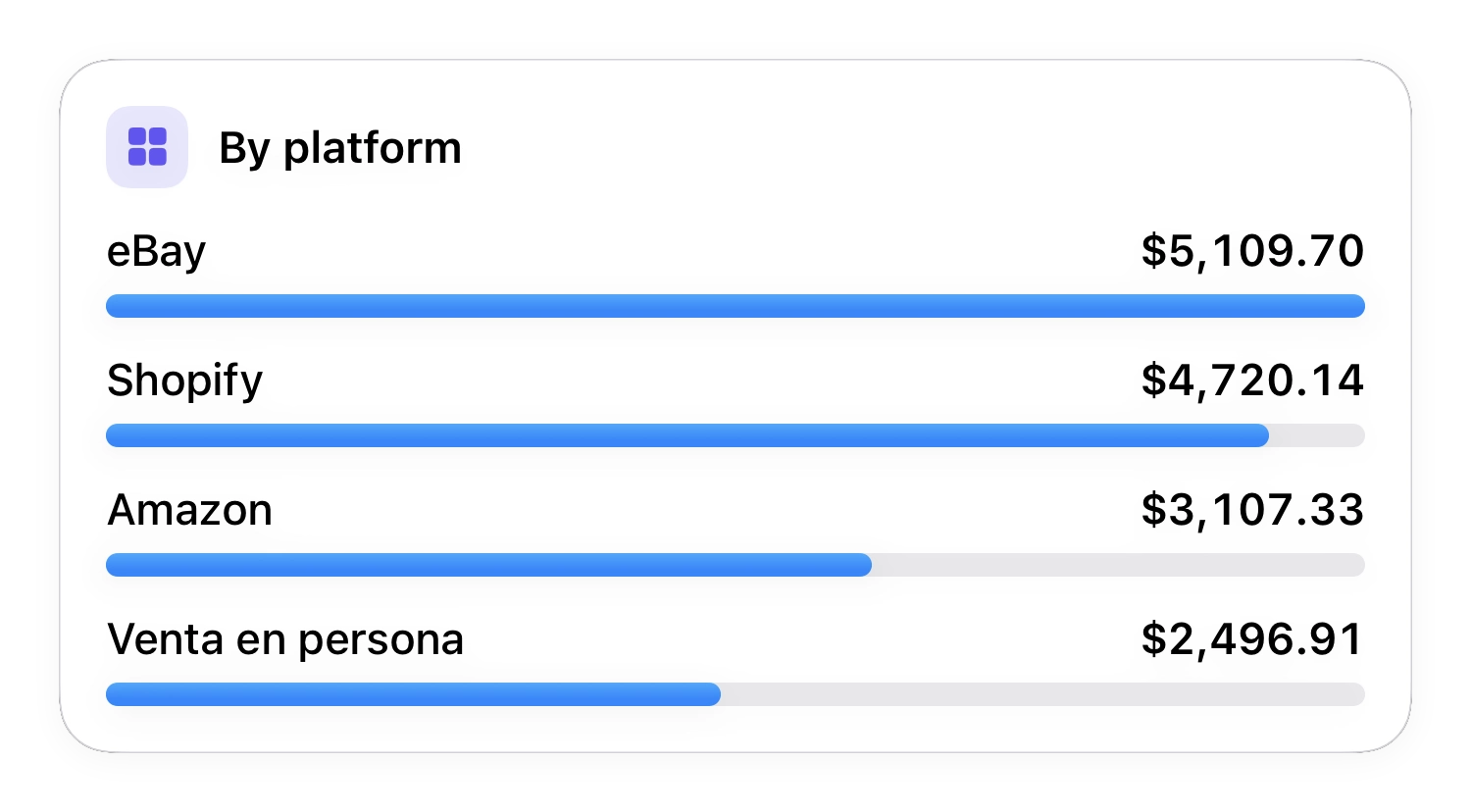
Insights. Sales, margins and best sellers by period, location and platform.
Why Inventury
Inventury was designed from scratch around how people actually work — not around how business software was built twenty years ago.
Clear hierarchy, important actions one tap away.
Professional capability without an enterprise learning curve.
iPhone and iPad, with iCloud, Siri/Shortcuts and Spotlight. Your data in your iCloud, not on our servers.
For people who run a business, not inventory specialists.
Start free and move up when the business asks for it.
Costing, pricing, sales, customers, eCommerce and insights.
Inventory
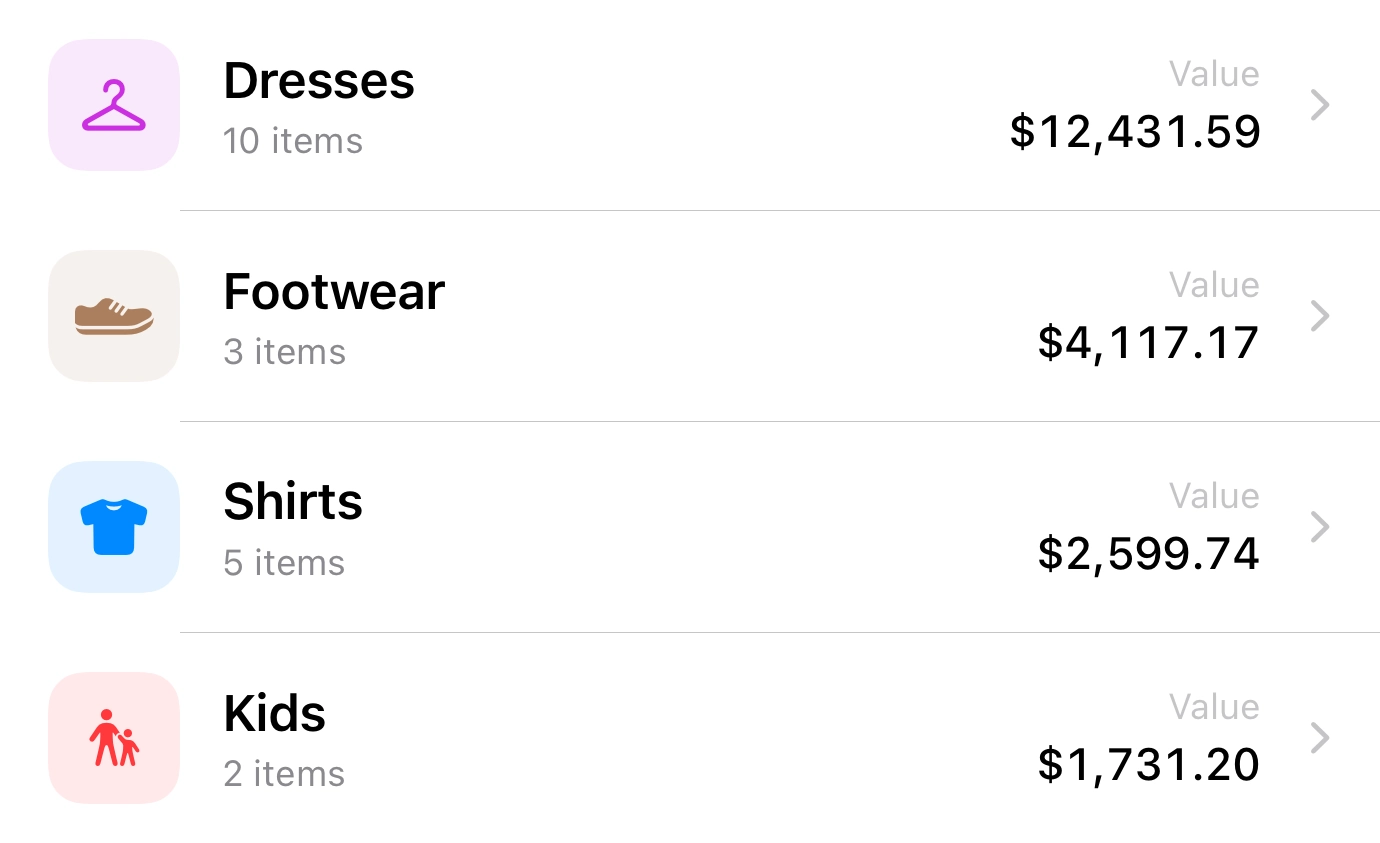
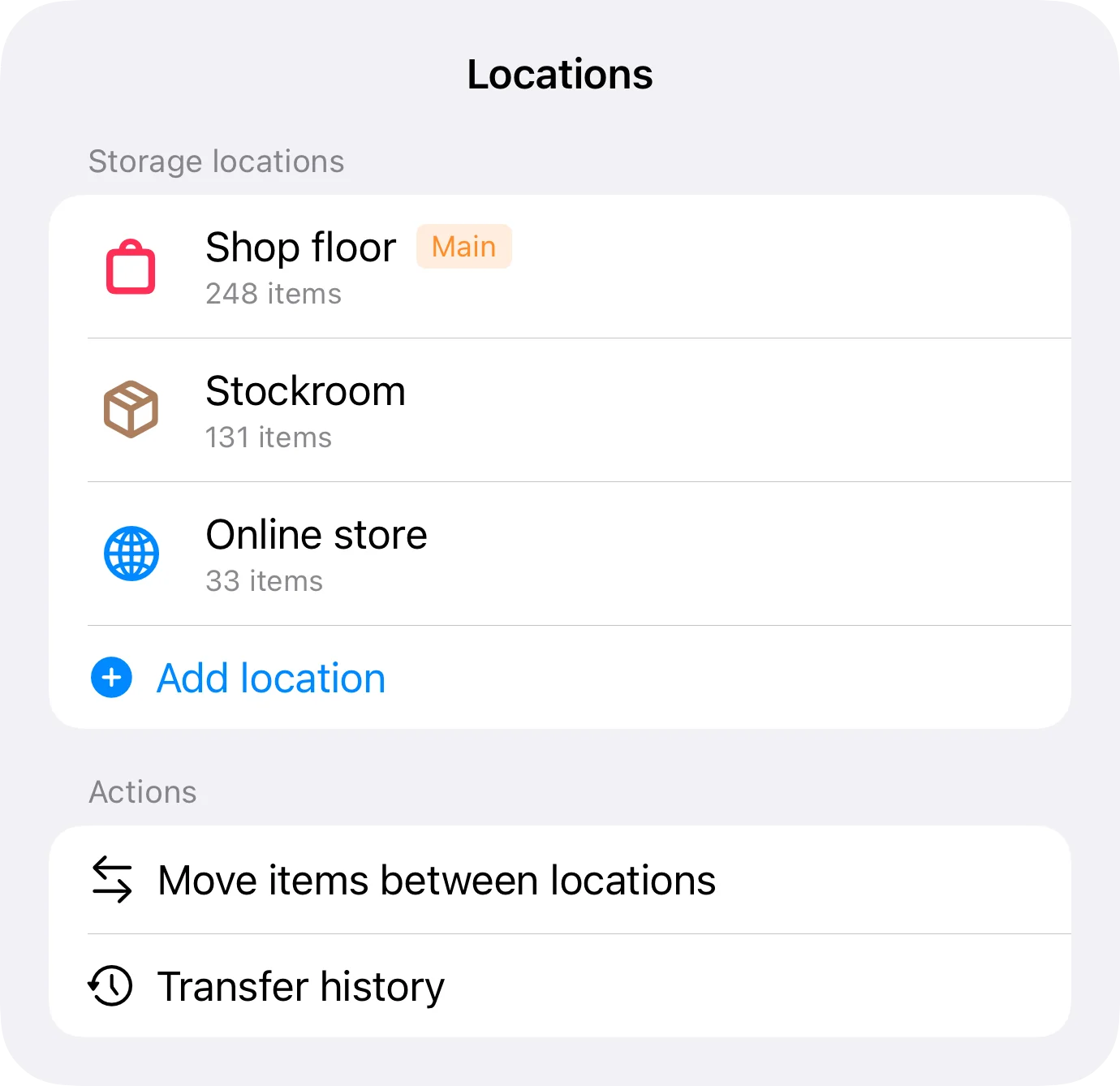
Photos, SKU, UPC/EAN, brand, category, supplier and notes. Variations by size or color with their own price, stock and SKU. Multiple locations, transfers between them and history for every movement.
QR, EAN-13, EAN-8, Code 128, Code 39/93, UPC-E and PDF417. Batch scanning, search by SKU, UPC, QR and manufacturer SKU, flashlight and camera-permission recovery. Fill in an item from a photo of the box label, or save it from Safari with its photo and price.
Costing & pricing
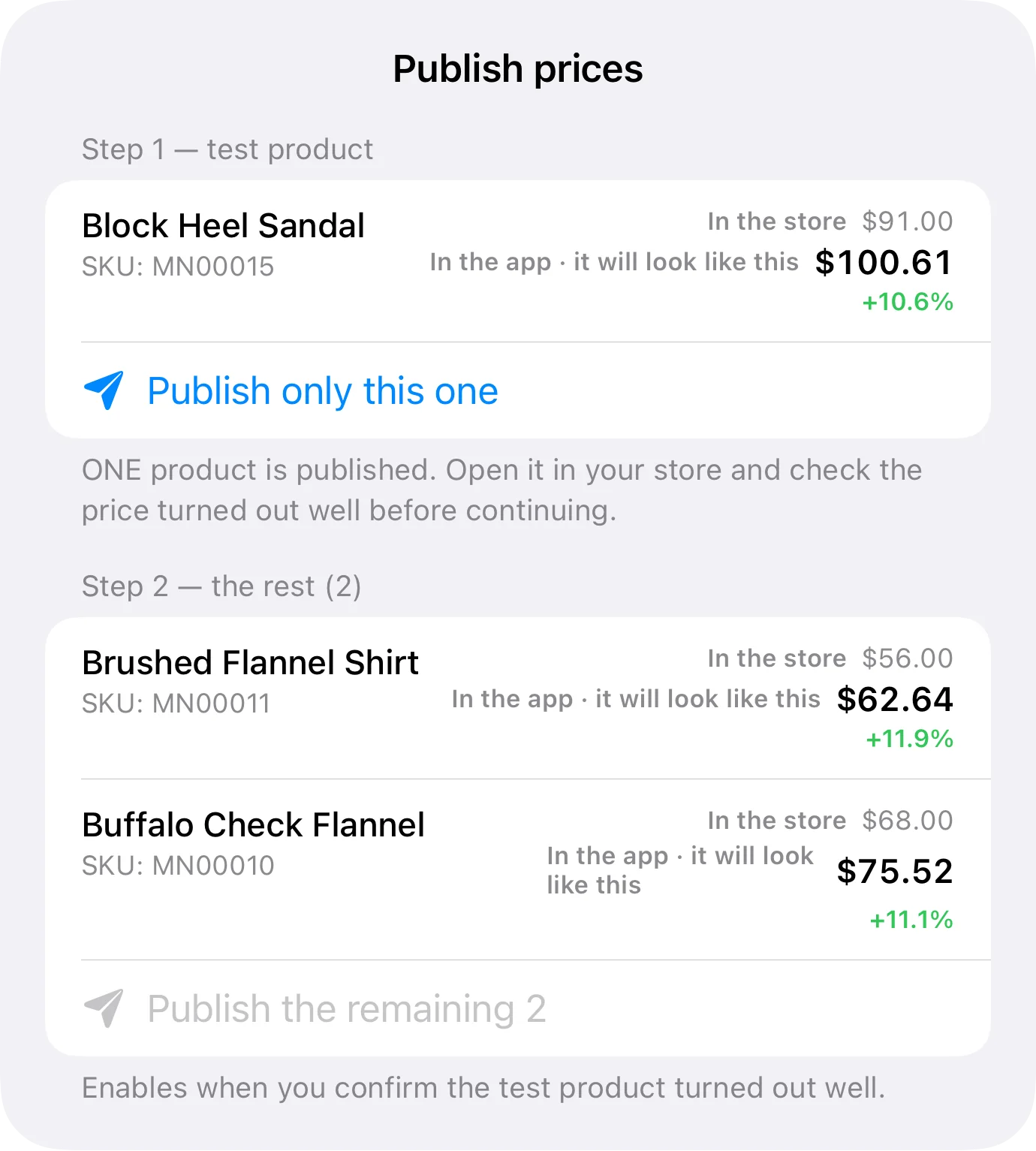
Buy in one currency, sell in another. Inventury adds import costs, shipping, duties and each platform's commission, then calculates the price that protects the margin you want. And when you buy the same item at different prices, choose FIFO or average cost to see the real profit on every sale.
The exchange rate is configurable, so you can reprice when the currency moves.
Simple
Direct pricing, nothing else.
Professional
Cost → margin → price, with your own costing fields, minimum selling price, actual margin and price types (wholesale, web, promo).
Sales & POS
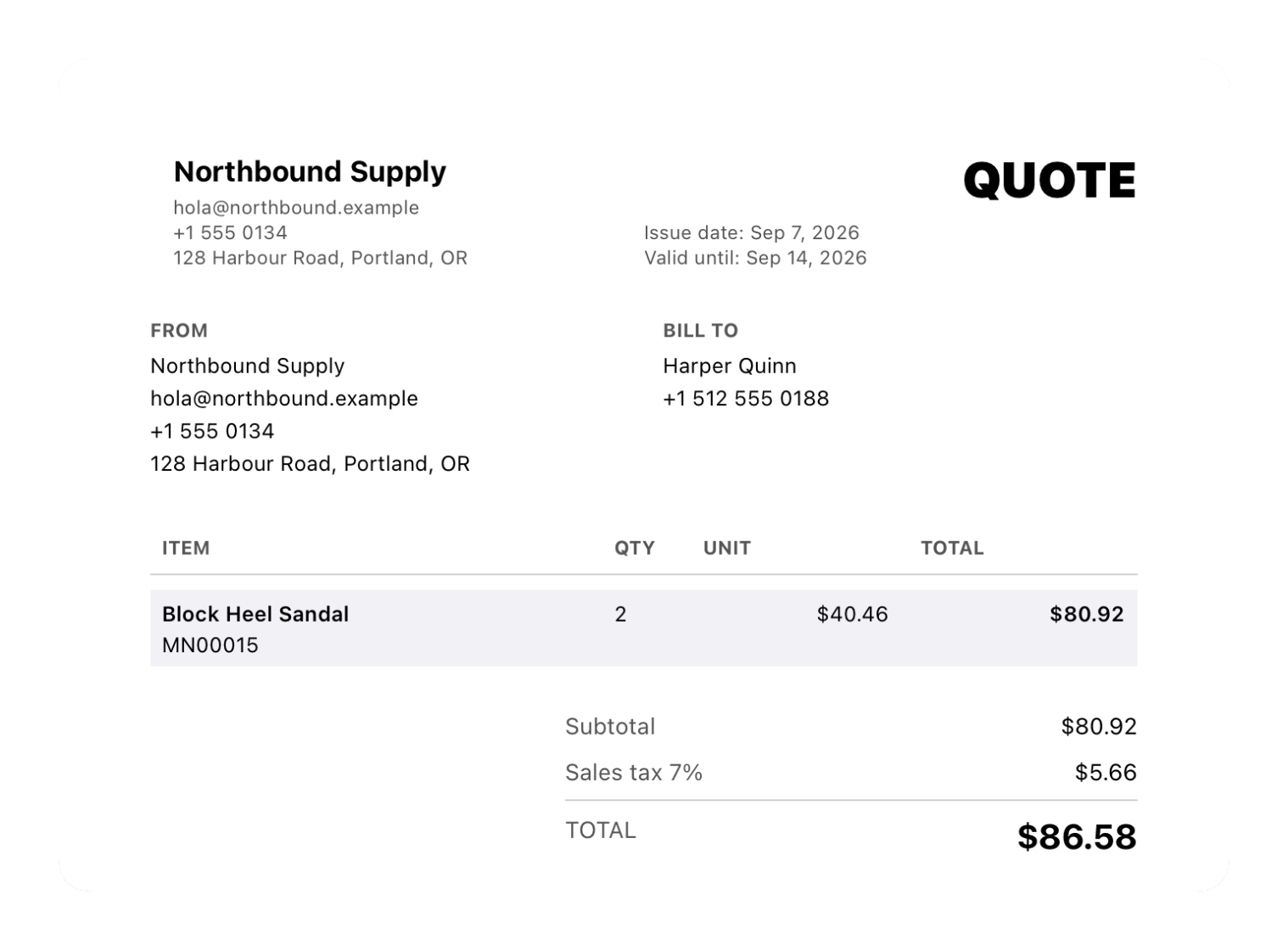
Record the sale, update inventory, connect the customer and feed the insights. The Business plan adds the full counter workflow.
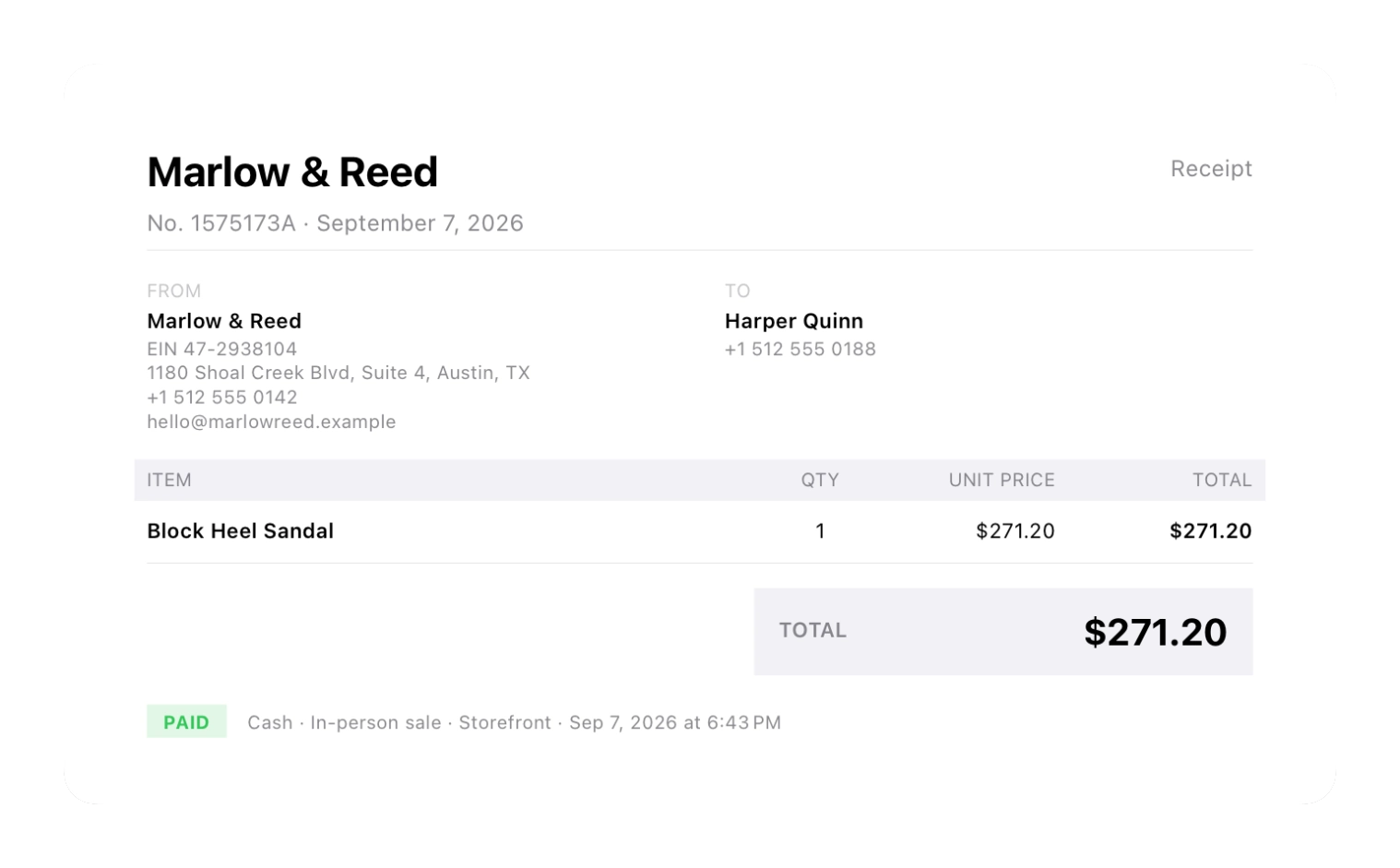
Customers & documents
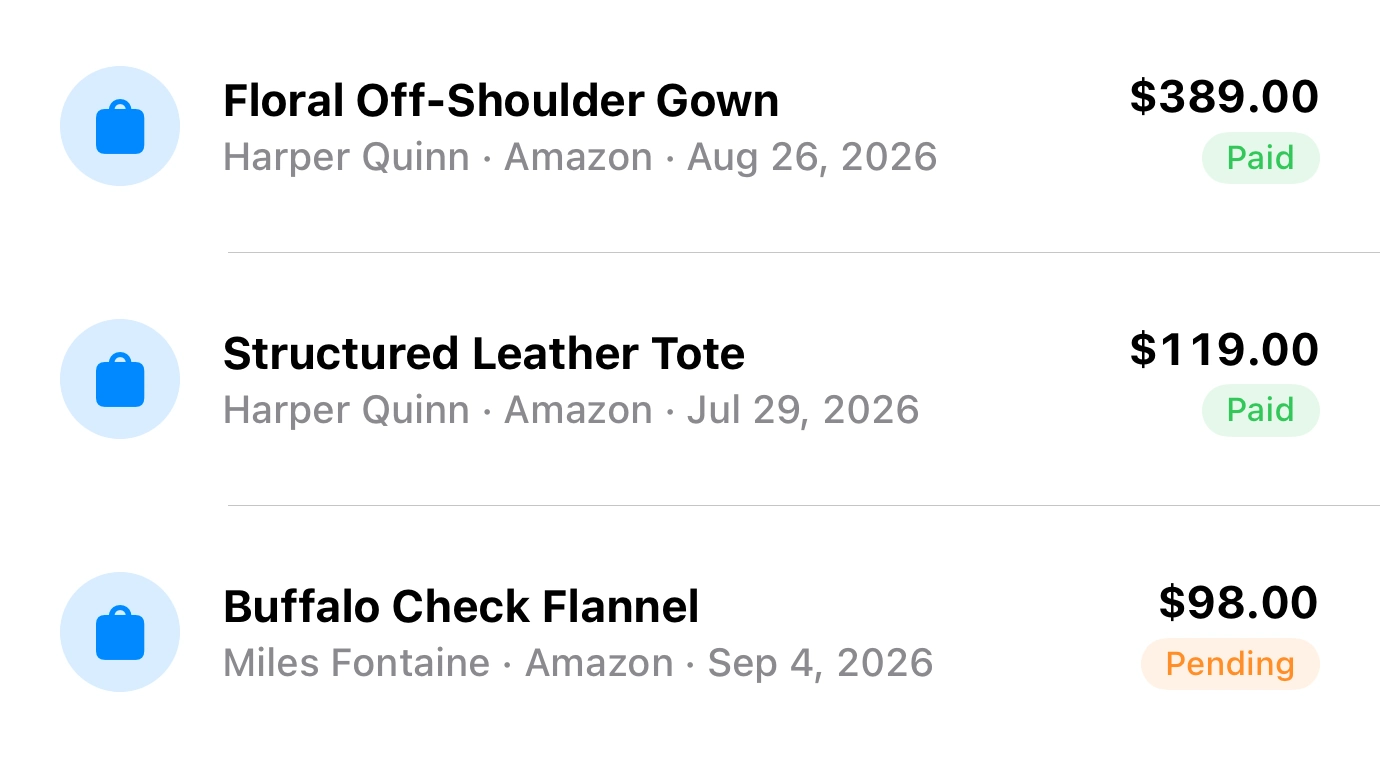
Customer profiles with document ID, email, phone and addresses; sales with payment method, commission, expenses and net sales; configurable sales statuses, and cancelled sales excluded from insights.
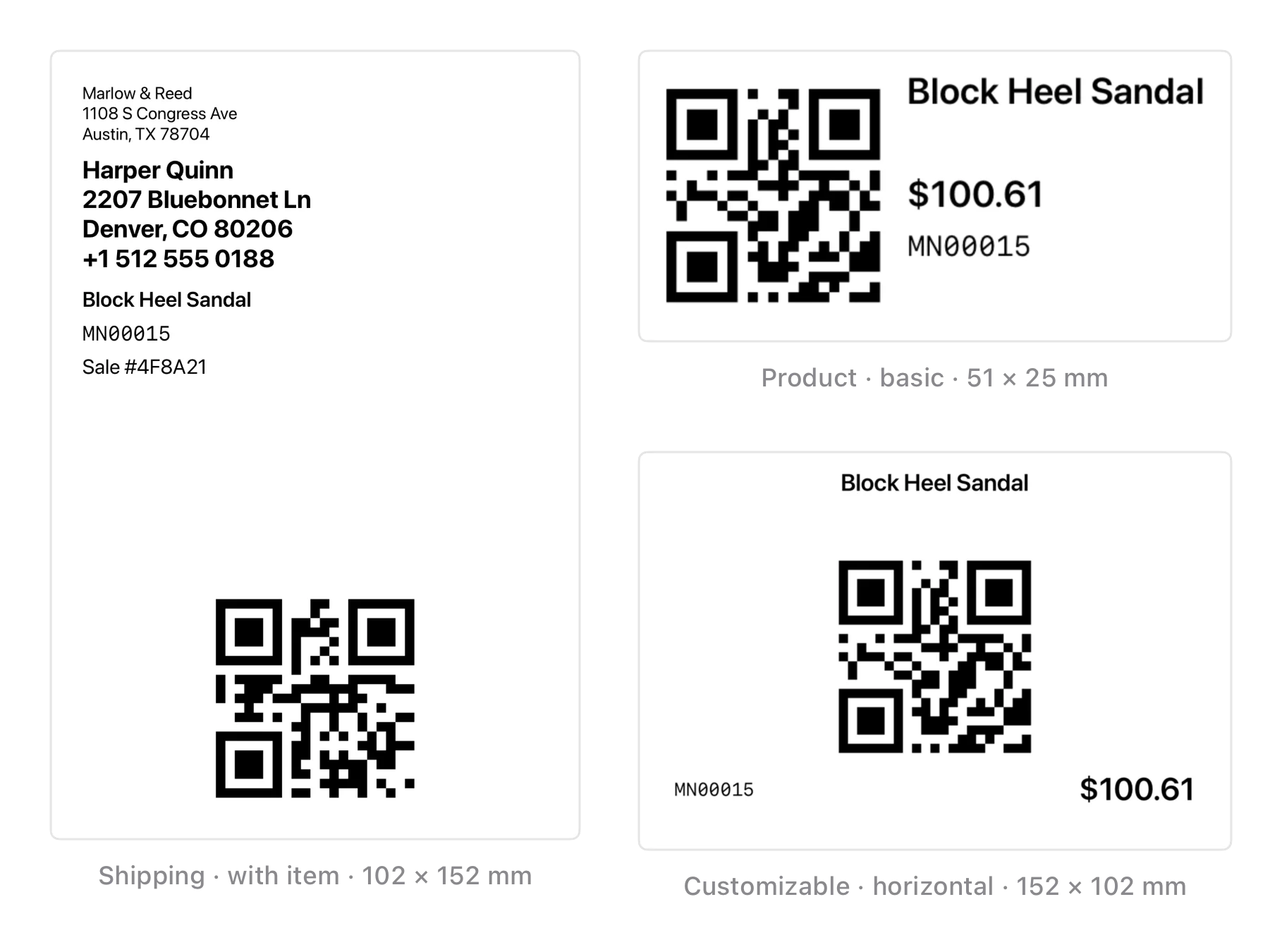
Labels & printing
Template editor with field selection and ordering, size and alignment controls, guided mode and free-design mode, 8 factory templates and a visual gallery. Labels carry a QR code.
Shipping labels with sender and recipient, pre-selected when printing from a sale, pre-print overflow warning, AirPrint and Bluetooth thermal printers.
Connected stores
Multi-store & team
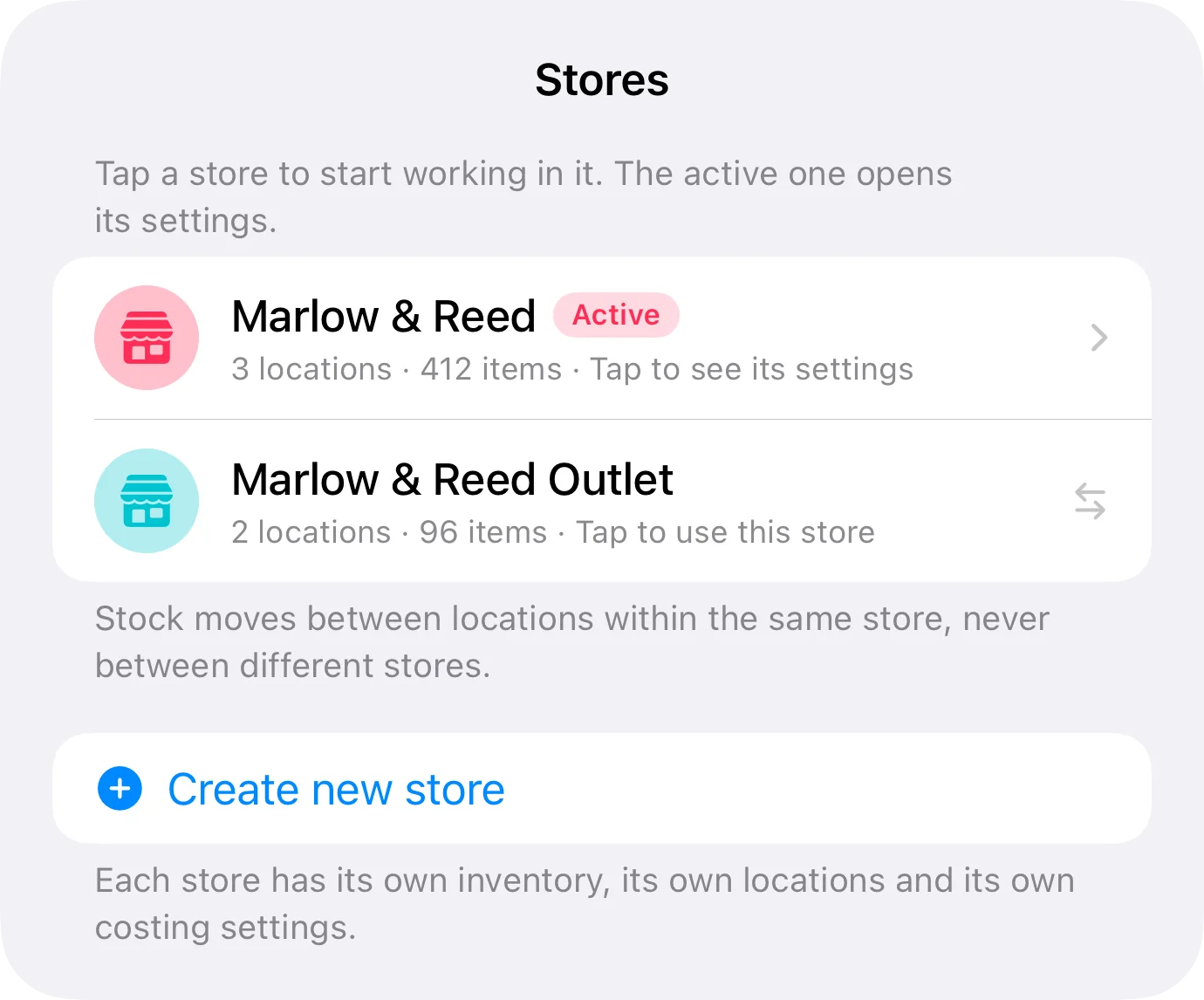
Manage locations inside a store and, on Business, independent stores with their own inventory and settings. Share a store with collaborators so your team can help run it.
Pro includes 2 collaborators; Business up to 10.
Team
Invite your team from the app and the store is shared over iCloud. Each collaborator signs in with their own Apple ID, and what one person changes reaches everyone else through iCloud.

Shared over iCloud
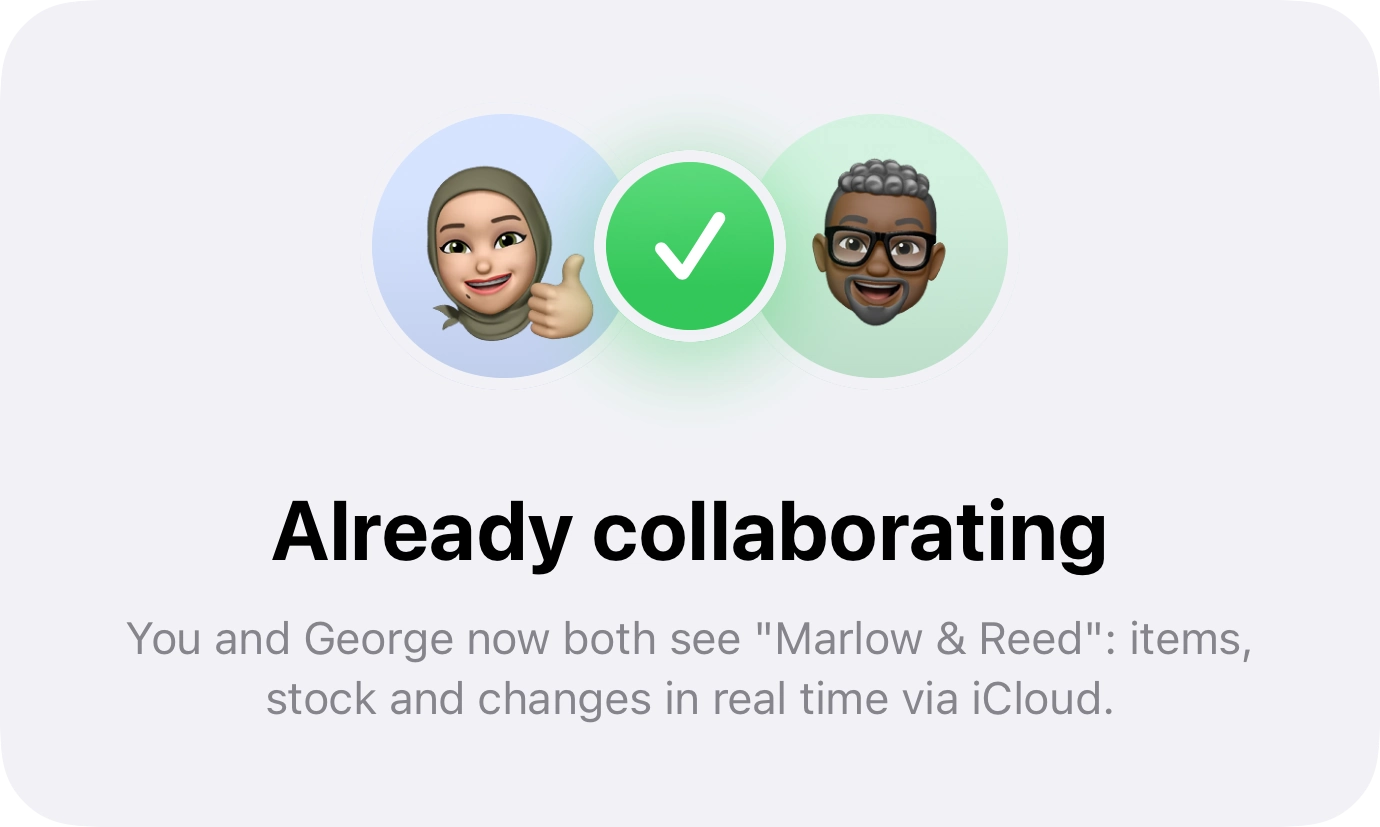
Each collaborator signs in with their Apple ID — no new account.
You invite people, see who's in, and remove access whenever you want.
They only see the store you share: your other stores stay yours.
Pro includes 2 collaborators; Business, up to 10.
Import & export
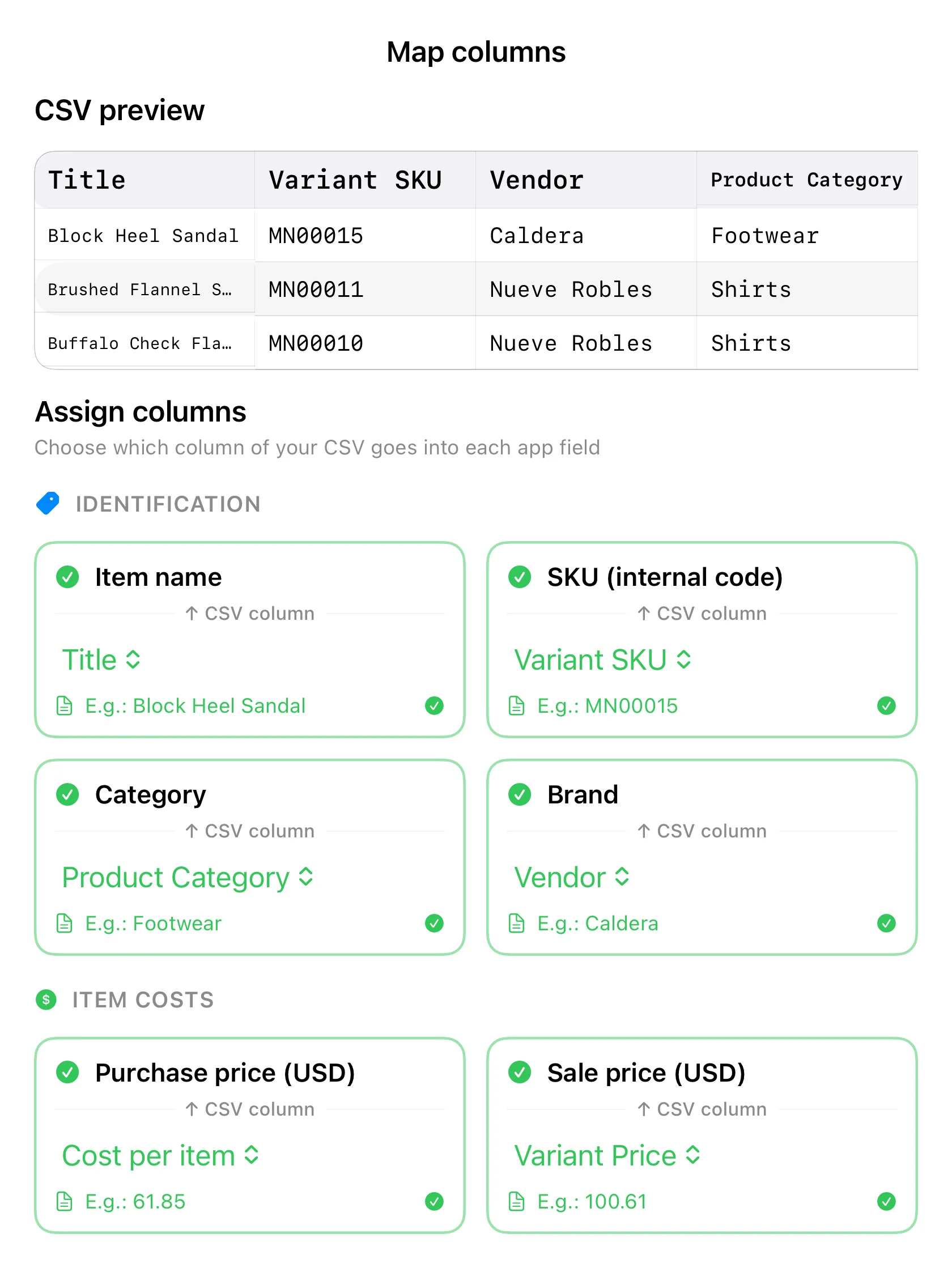
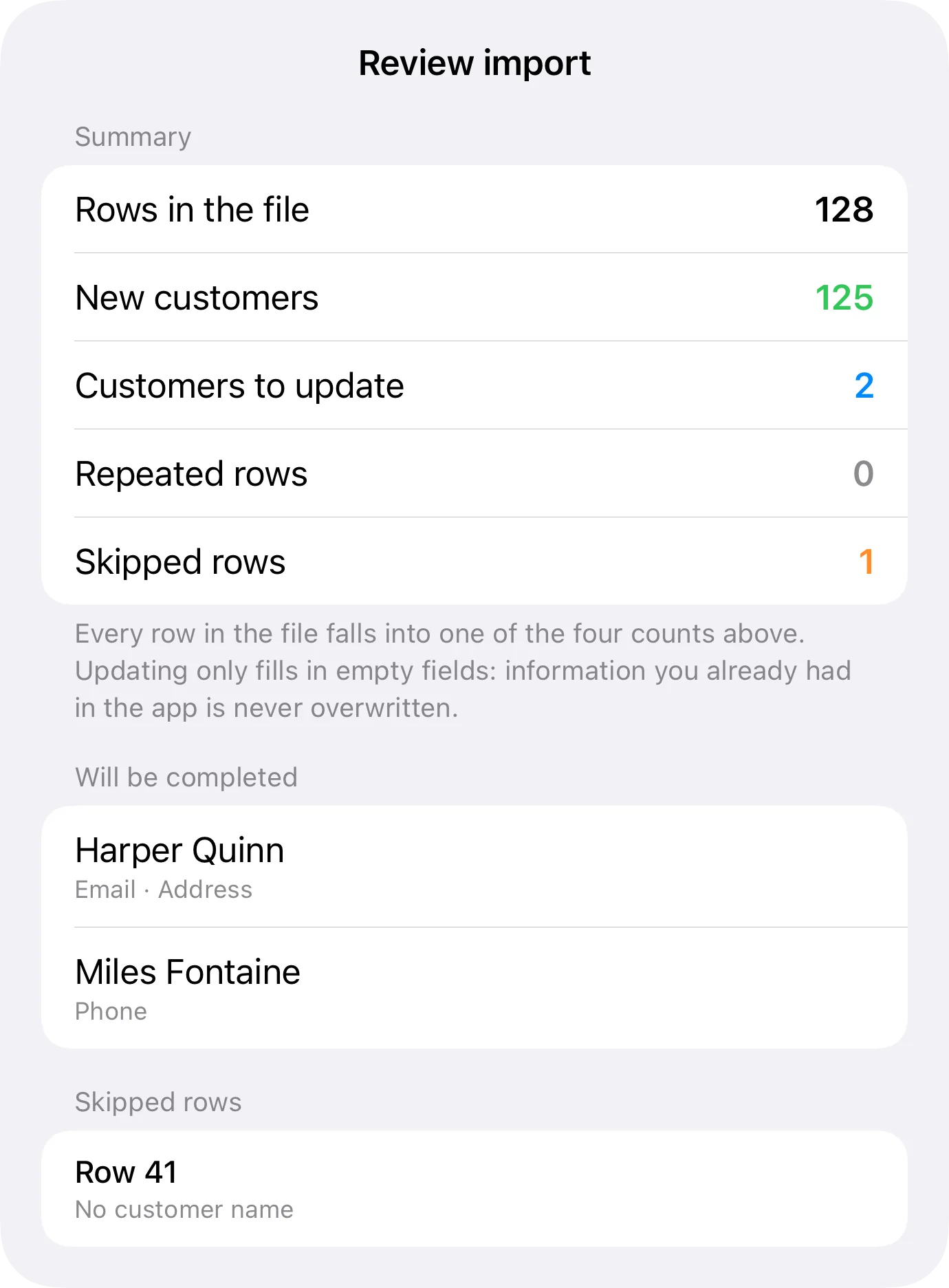
Import products, customers and sales from CSV with an official template, visual field mapping and a required dry-run validation before anything is written.
Move your business from spreadsheets to Inventury.
Apple ecosystem
iPhone and iPad with iCloud synchronization and visible sync status. Siri and Shortcuts through App Intents, plus Spotlight.
Inventury is a native Apple app: not a website wrapped in an app or a stretched iPhone screen. Every view recomposes for wherever you open it: iPad uses the width with two panels at once, iPhone gets to the point with one thing per screen.
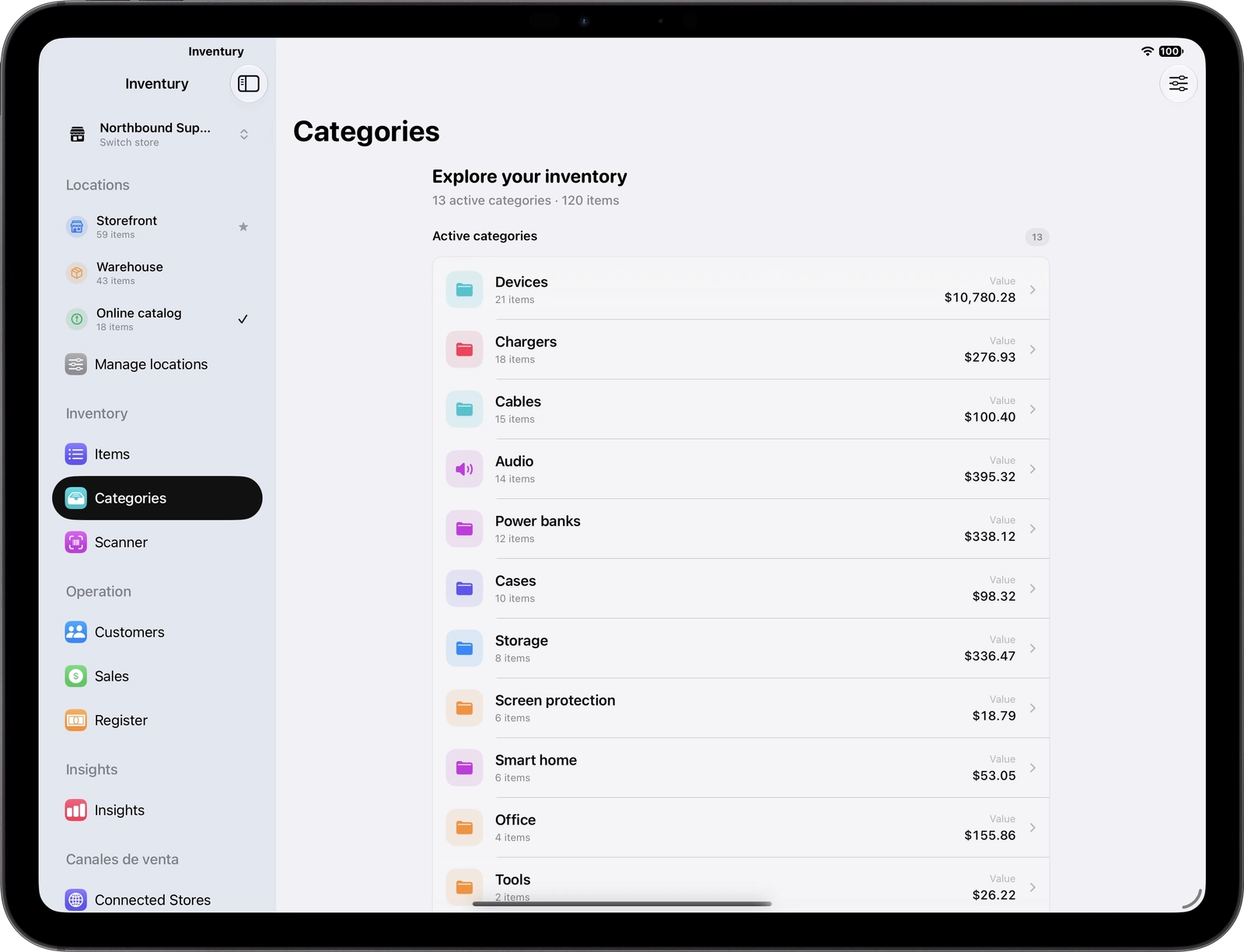
iPad
Sidebar, categories and items at the same time. No going back to switch sections.
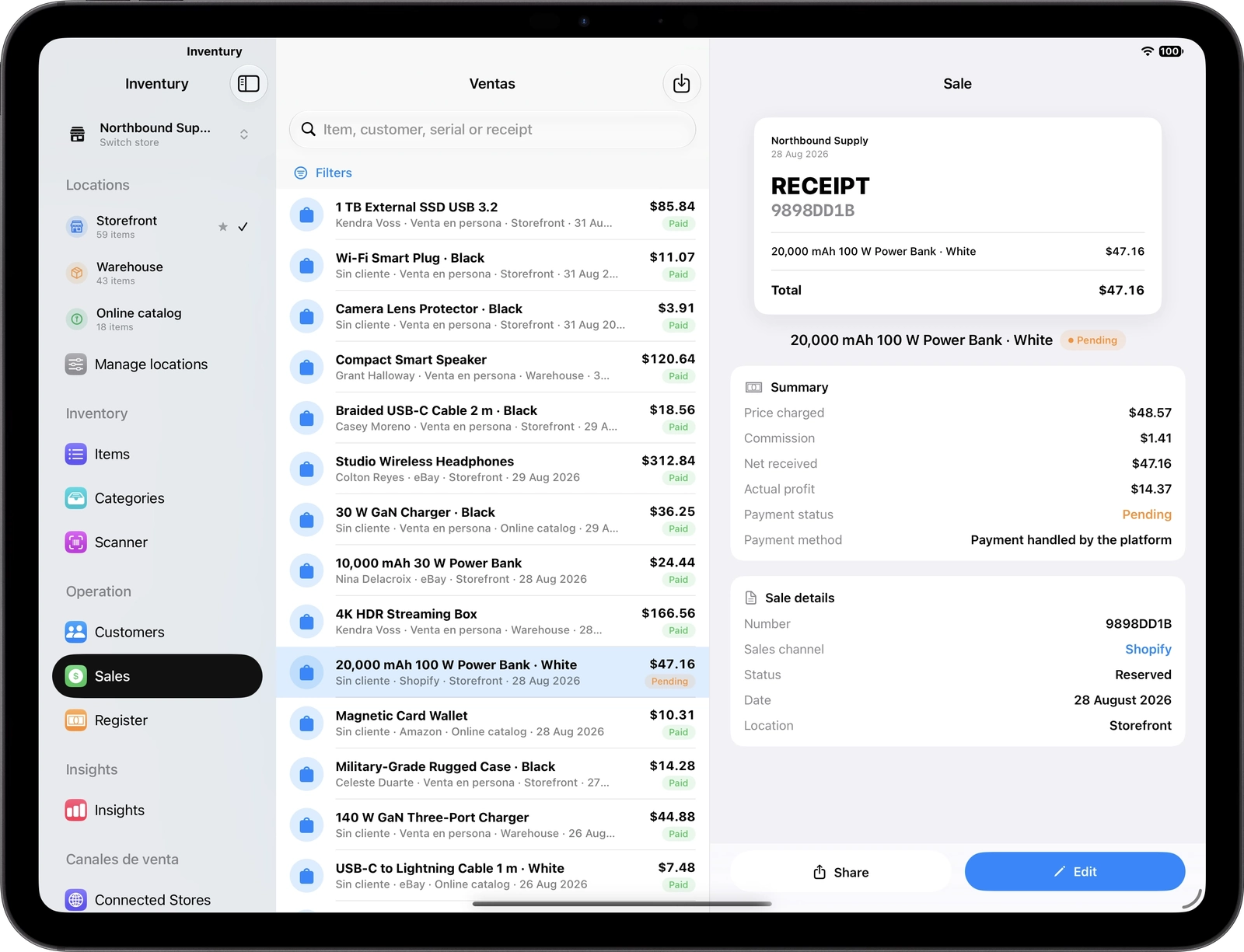
iPad
The list on one side, the document on the other: you see what goes on the invoice as you build it.
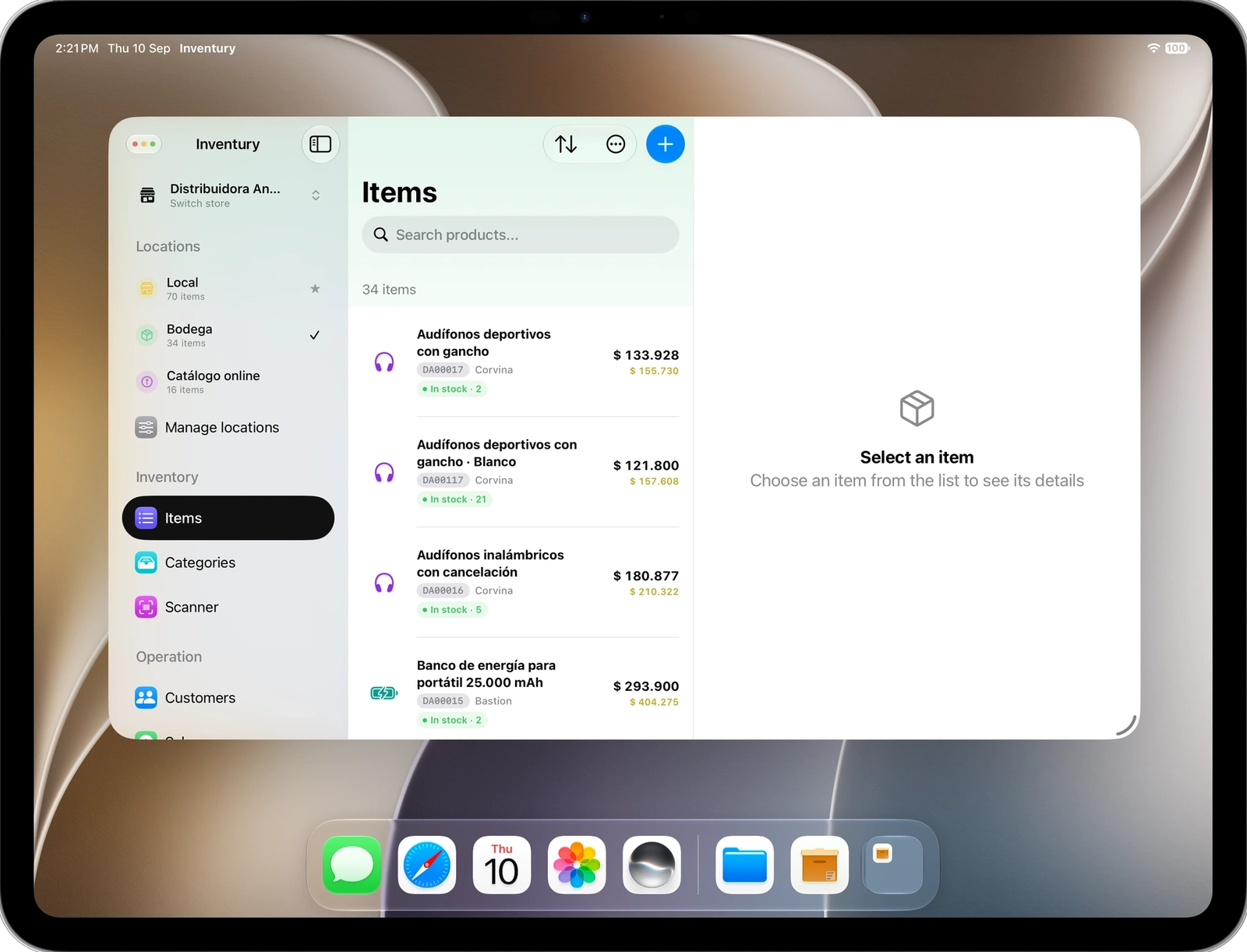
iPad
Resize the window on iPad and the app recomposes on the fly: wide, list and detail together; narrow, one thing per screen. Perfect for working with several apps at once.
The .inventury backup is saved as your own file in the Files app, synced through iCloud Drive, and includes products, photos, settings, sales, customers and cash-register shifts.
Spanish · English · French · Brazilian Portuguese · German · Italian · Japanese
Pricing
Pro and Business include a 7-day free trial. Each plan's price shows in your own currency inside the App Store.
To get the inventory in order.
FreeFor the business that's already selling.
7-day trialFor several stores and a team.
7-day trialThe free plan never expires. Each paid plan is billed in your own currency inside the App Store.
Compare
This isn't about being cheaper. It's about inventory, costing, channel pricing, the sale and the report living in the same place.
| Inventury | Stock tracker | Traditional ERP | |
|---|---|---|---|
| Inventory and locations | |||
| Multi-store | |||
| Multi-currency costing | |||
| Platform-aware pricing | |||
| Point of sale | |||
| Customers and documents | |||
| Insights with filters | |||
| Barcode scanning | |||
| CSV migration | |||
| Native on iPhone and iPad | |||
| Collaborators | |||
| WooCommerce and Shopify | |||
| Learning curve |
Inventory, costing, pricing, sales, customers, online store and insights in one app for iPhone and iPad.
 iPhone
 iPad
iPad