Guide
A native inventory app for iPhone and iPad
Not a website wrapped in an app, and not a stretched iPhone screen. Each size gets its own composition, and the operating system does half the work.
The difference between a native app and a wrapped web page doesn't show up in the feature list — it shows up in use. Scanning a barcode with the camera without waiting for anything to load. Asking Siri what's running out while your hands are full. Finding an item from Spotlight without opening the app.
Inventury is written in SwiftUI for iPhone and iPad. That's what makes the rest of this possible; it isn't an aesthetic preference.
The camera is the barcode reader
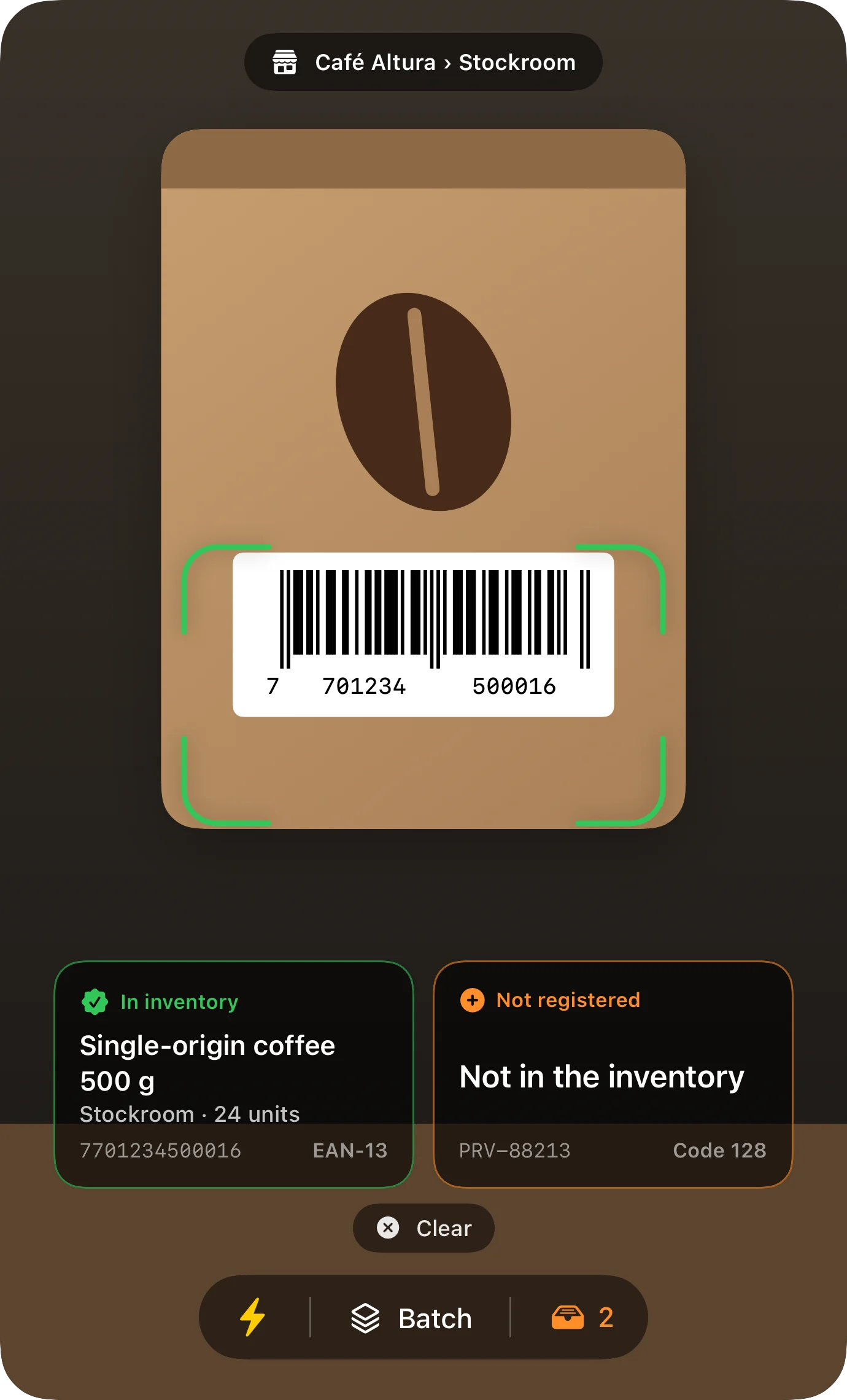
The scanner uses the camera to read barcodes and QR codes: UPC, EAN and the codes you print from the app itself. It's for adding a new product, finding one in a long catalogue, and counting stock without typing.
If the code isn't in your catalogue yet, the app offers to create the item with that code already attached — which is exactly what you need when new stock arrives.
Siri and Shortcuts, for when your hands are busy
The actions you repeat most are exposed to the system: check an item's stock, record a sale, see what's running out, move stock between locations, check a price, value the inventory.
You can trigger them by voice or from the Shortcuts app, and they show up in Spotlight too. At a counter with a customer in front of you, that's the difference between checking now and checking later.
- "How many … are left?" without opening the app
- Record a sale by voice
- What's running out, in one sentence
- Transfers between locations from Shortcuts

On iPad, the interface recomposes
An iPad isn't a big iPhone. With room to spare, Inventury shows the sidebar, the list and the detail at once: pick a category and see its items without losing track of where you are.
And if you resize the window to work with two apps side by side, the interface reorganises on the spot — wide shows list and detail together, narrow shows one thing per screen. There's no worse-maintained iPad version: it's the same app deciding what fits.
Your data, in your iCloud
There's no account to create because there's no server of ours holding your inventory. You sign in with your Apple ID and the data lives in your iCloud account, synced between your iPhone and your iPad.
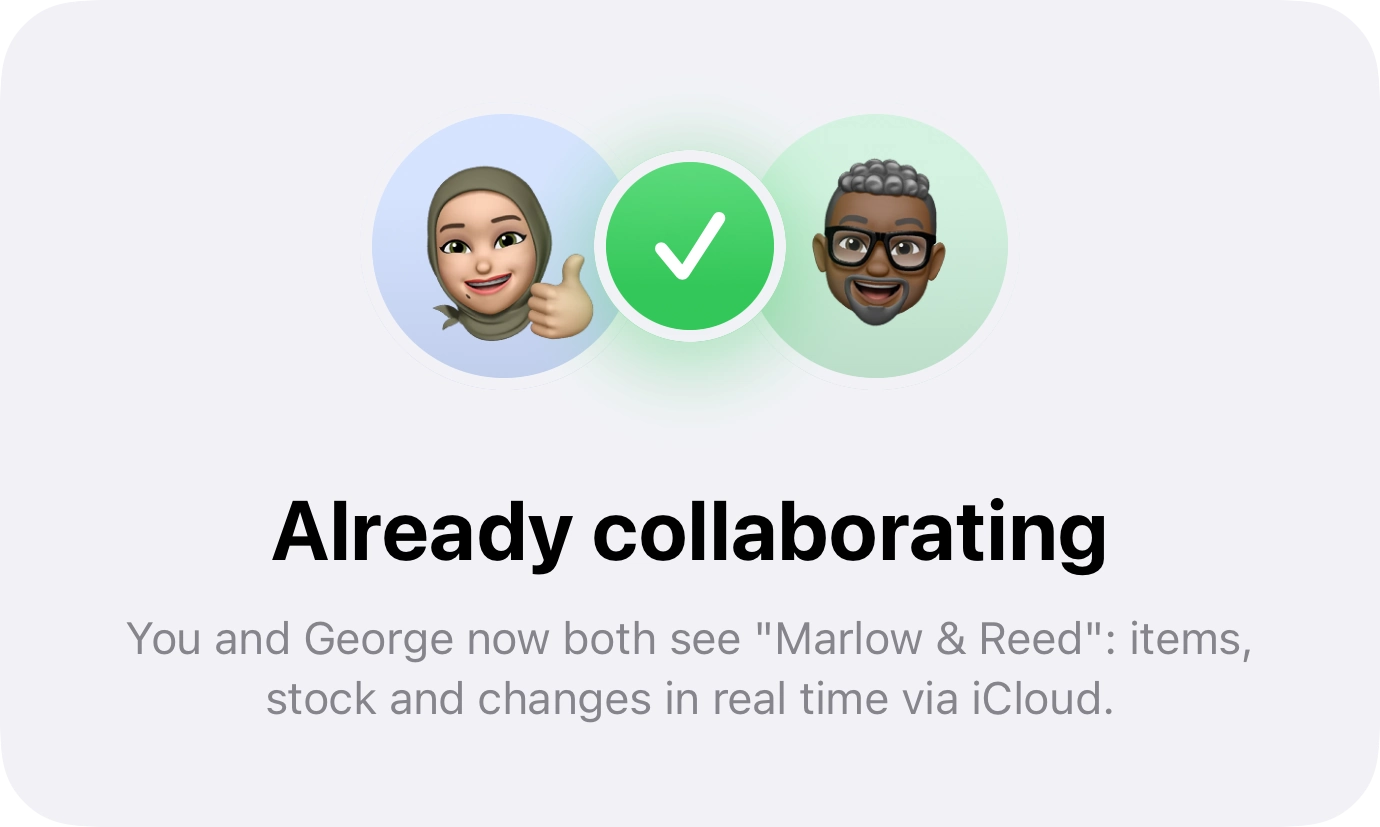
Sharing the store with someone on your team runs through the same path: each person signs in with their own Apple ID and sees what you let them see. And you can take a backup out to a file that sits in the Files app, in case you ever want your inventory somewhere else.
No trackers, no advertising, no third-party profiles: we don't hold your inventory, so there's nothing we could do with it.
Frequent questions
Is there an Android or web version?
No. Inventury is native to iPhone and iPad, and that's what makes the instant scanner, Siri, Spotlight and account-free iCloud sync possible. A web version would have to give up most of that.
Does it run on Mac?
The app is designed for iPhone and iPad. Apple Silicon Macs can run iPad apps, but the design and the testing target iPhone and iPad.
Do I need a barcode scanner gun?
No. The iPhone or iPad camera is the reader. If you already have a Bluetooth scanner that behaves like a keyboard, you can use that too.
What happens when I change phone?
You sign in with the same Apple ID and the inventory is there. Nothing to migrate by hand, because the data doesn't live on the device — it lives in your iCloud.
Can I print labels?
Yes. You can generate printable QR codes for your items and stick them wherever it helps; the scanner then reads them like any factory barcode.
Try it on your own iPhone
It's on the App Store. A minute to install, and the free plan doesn't expire.