By business type
Inventory for a shop with a counter
Selling fast and knowing what's left happen at the same time in a shop. If inventory lives apart from the sale, it stops matching within two weeks.
In a shop, inventory doesn't drift all at once — it drifts during the busy hours. People come in, things sell, nobody writes anything down because there's a queue, and at closing time somebody records "what they remember". Repeat that for a month and the system is no longer good enough to buy stock from.
The only thing that fixes it is making the recording faster than not recording. Every other decision in this guide follows from that.
The counter and the back room aren't one number
Most shops keep stock in front and stock behind. If inventory only gives you a total, it can't tell you to bring more forward, or why the shelf looks empty while twenty units sit in the back.
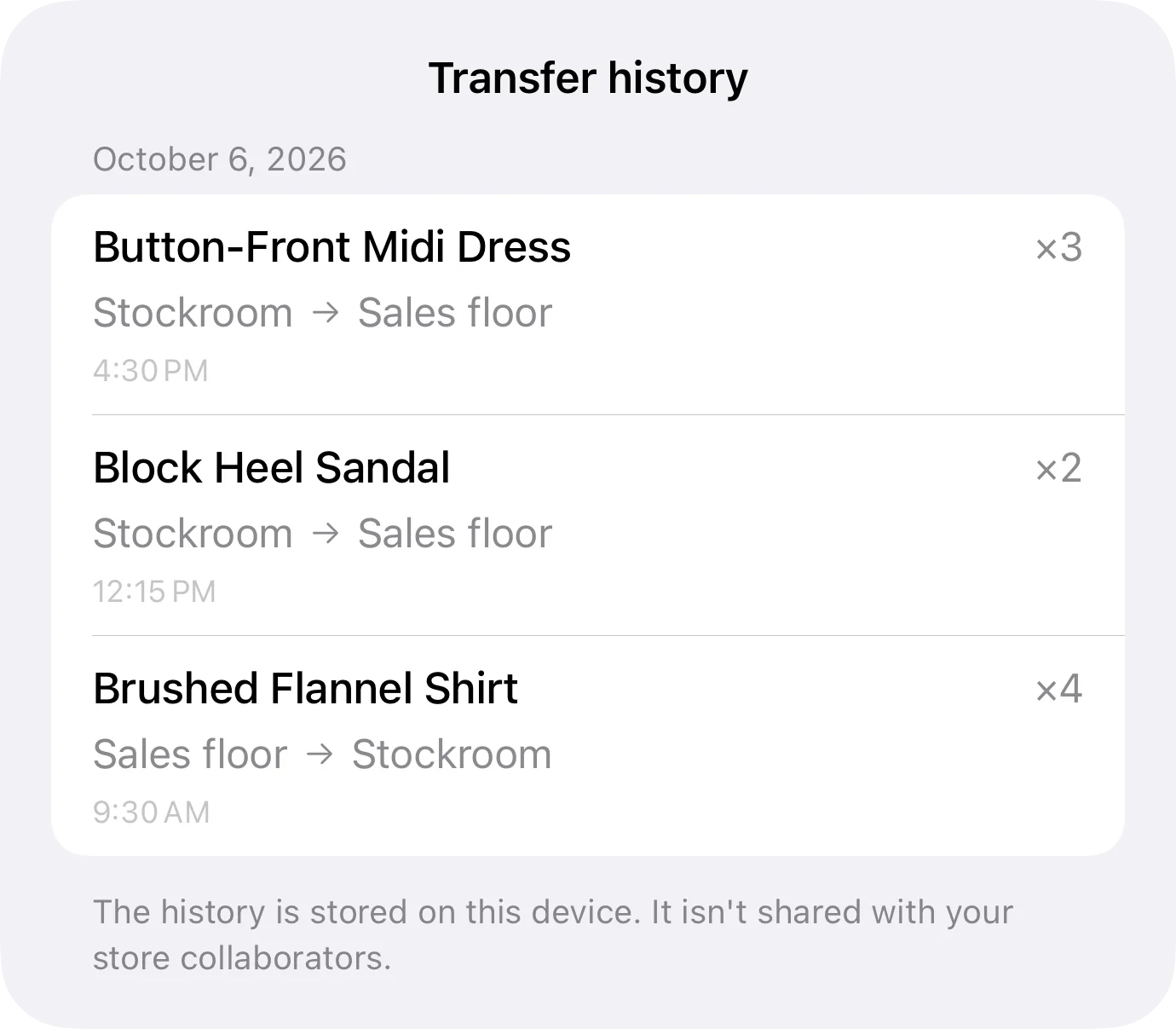
With separate locations each place keeps its own count, and bringing stock forward is a recorded transfer. At the end of the week you know what moved and where it came from.
- One location per counter, back room or storage unit
- Transfers that stay on the record, not manual corrections
- A favourite item per location, for whatever gets asked for most
Selling and deducting, in one gesture
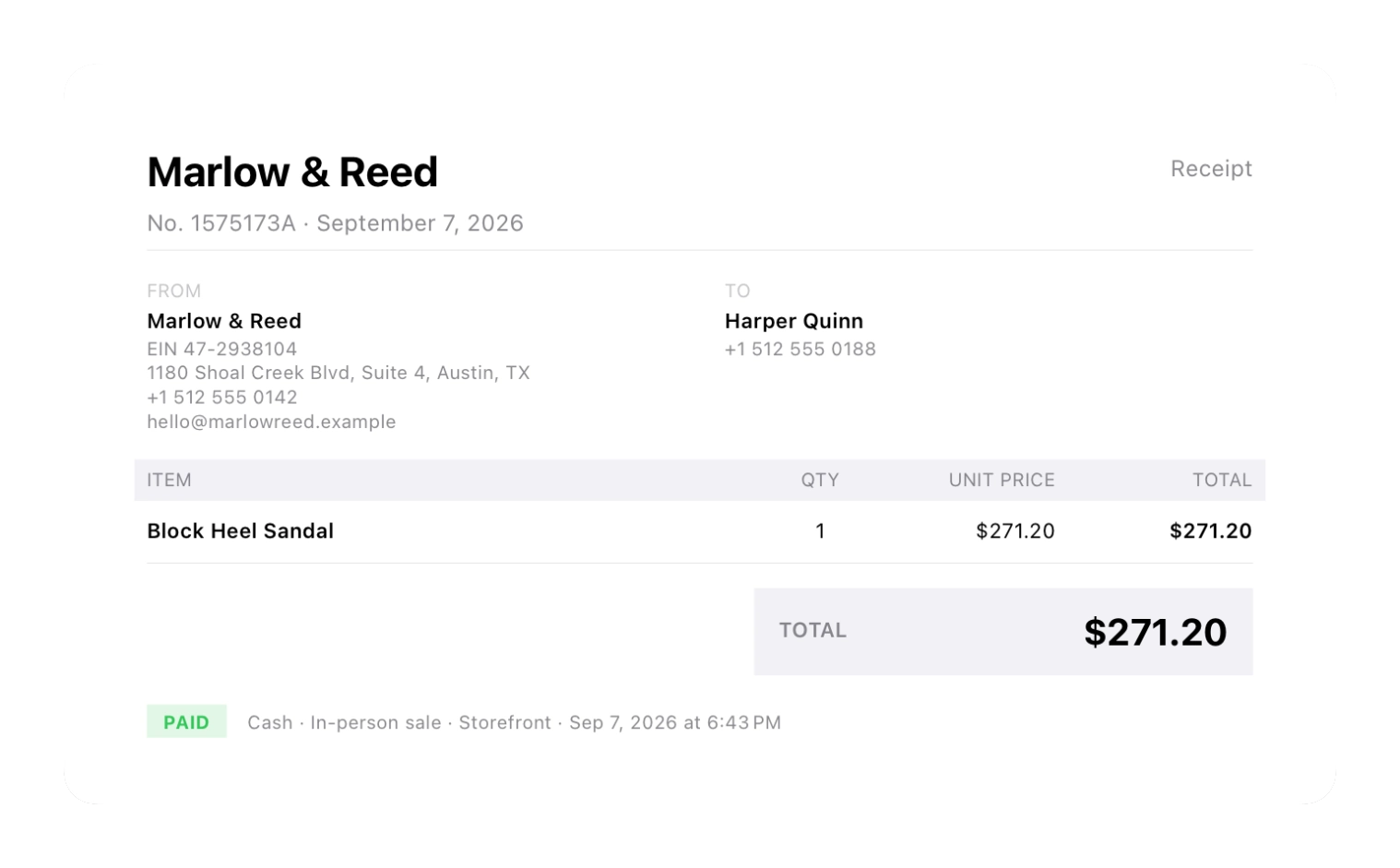
Point of sale in Inventury isn't a separate module — it's the same app. Pick the item, the sale is recorded, stock goes down, the receipt comes out. If the customer wants an invoice or takes something on credit, it stays on their profile.
Finding the item works by name, by SKU or by scanning the barcode with the camera. With a queue in front of you, that's the difference between recording it and not.
The full counter is on the Business plan; sales and customers start on Pro.
The closing count stops eating an afternoon
Counting with the scanner moves at the speed of your hand: point the camera, the app recognises the item, you confirm the quantity. No hunting for each reference in a list of a thousand similar names.
And if a product has no usable factory barcode, you print a QR from the app, stick it on, and it counts like everything else.
- Barcode and QR scanning with the camera
- Printable QR codes for stock without a barcode
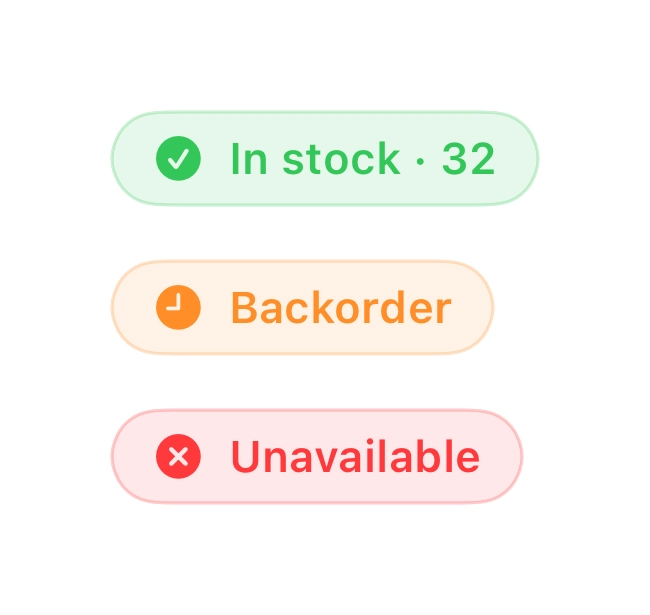
- Clear states: in stock, backorder, unavailable
What to reorder on Monday
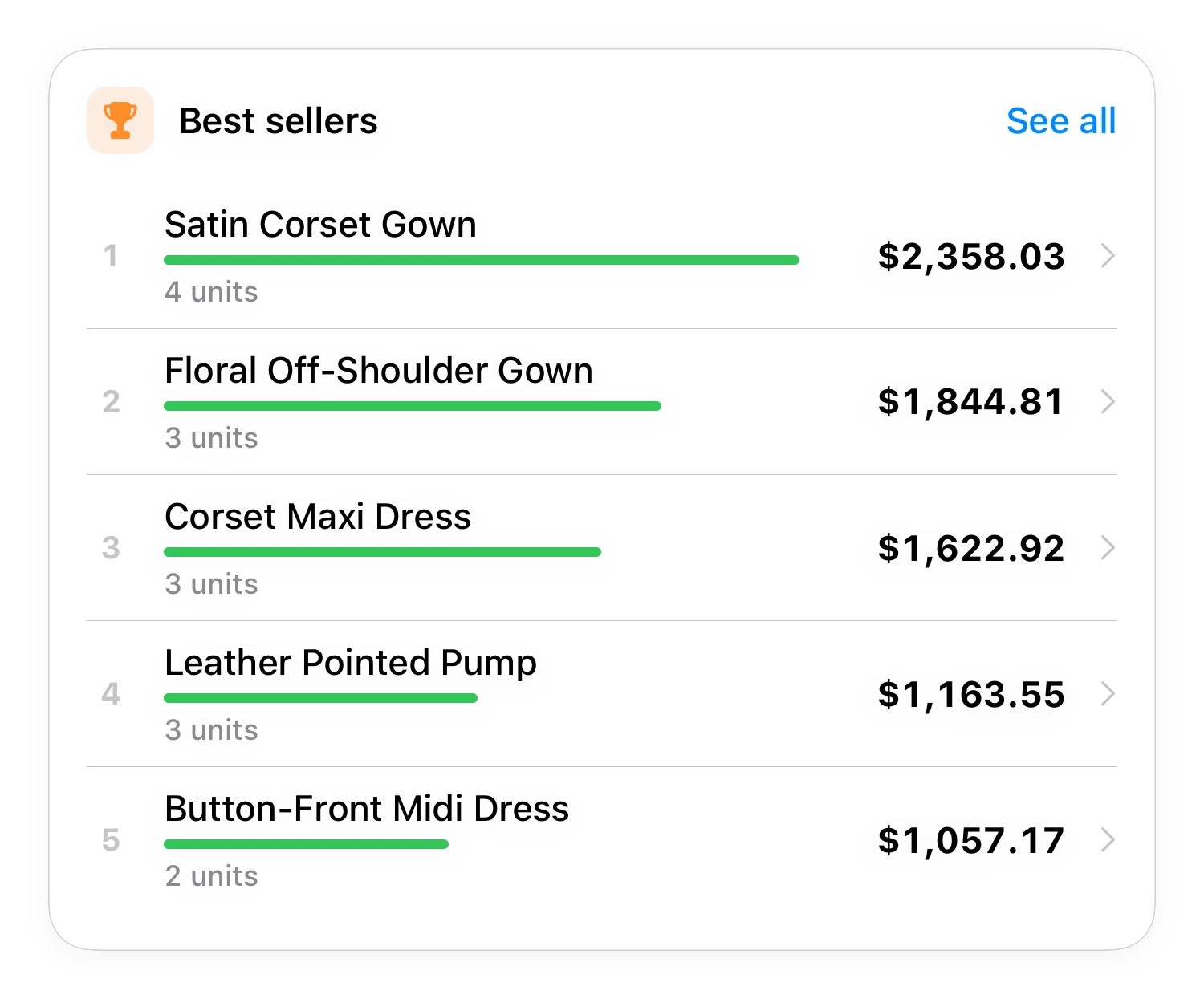
The week's buying decision needs two facts: what's running out and what actually sold. Inventury's reports show best sellers by period and by location, and also what has been sitting still for months tying up money.
And if you sell through a platform that charges a fee, the per-channel report tells you where each product leaves the most. It isn't always where it sells the most.
Frequent questions
Can I use it as my day-to-day point of sale?
Yes — to sell, deduct stock and issue the receipt from an iPhone or iPad. The full counter is on the Business plan. It isn't a cash register with a drawer, and it isn't an e-invoicing system.
Can someone serve customers while I check stock from elsewhere?
Yes. You share the store and each person signs in with their own Apple ID; you decide whether they can only view or also edit. Changes show up on both devices through iCloud.
What if the shop's internet is bad?
You keep working. The app runs on the device and iCloud syncs when the signal comes back.
How do I move my current inventory in?
With a CSV. Export it from Excel or your current system, check the name, SKU, stock and price columns, and import.
Try it on whatever moves most in your shop
It's on the App Store, and the free plan covers 10 items — enough to see whether the method survives a busy hour.