Guide
An inventory app built for a small business
Most inventory software is designed for a warehouse with an IT team. If you run the business yourself, with two hands and a phone, the problem is a different one.
A small business doesn't fail for lack of features. It fails because nobody has half an hour a day to feed a system. Inventory lives in a notebook, in a spreadsheet only its author understands, or in someone's head — until a big order lands, somebody asks how many are left, and the honest answer is "let me check".
Inventury is built around that moment. The things that have to take two taps are the ones the business does every day: find an item, see what's left, record a sale, know whether a product actually makes money or just moves cash.
The whole item in one row
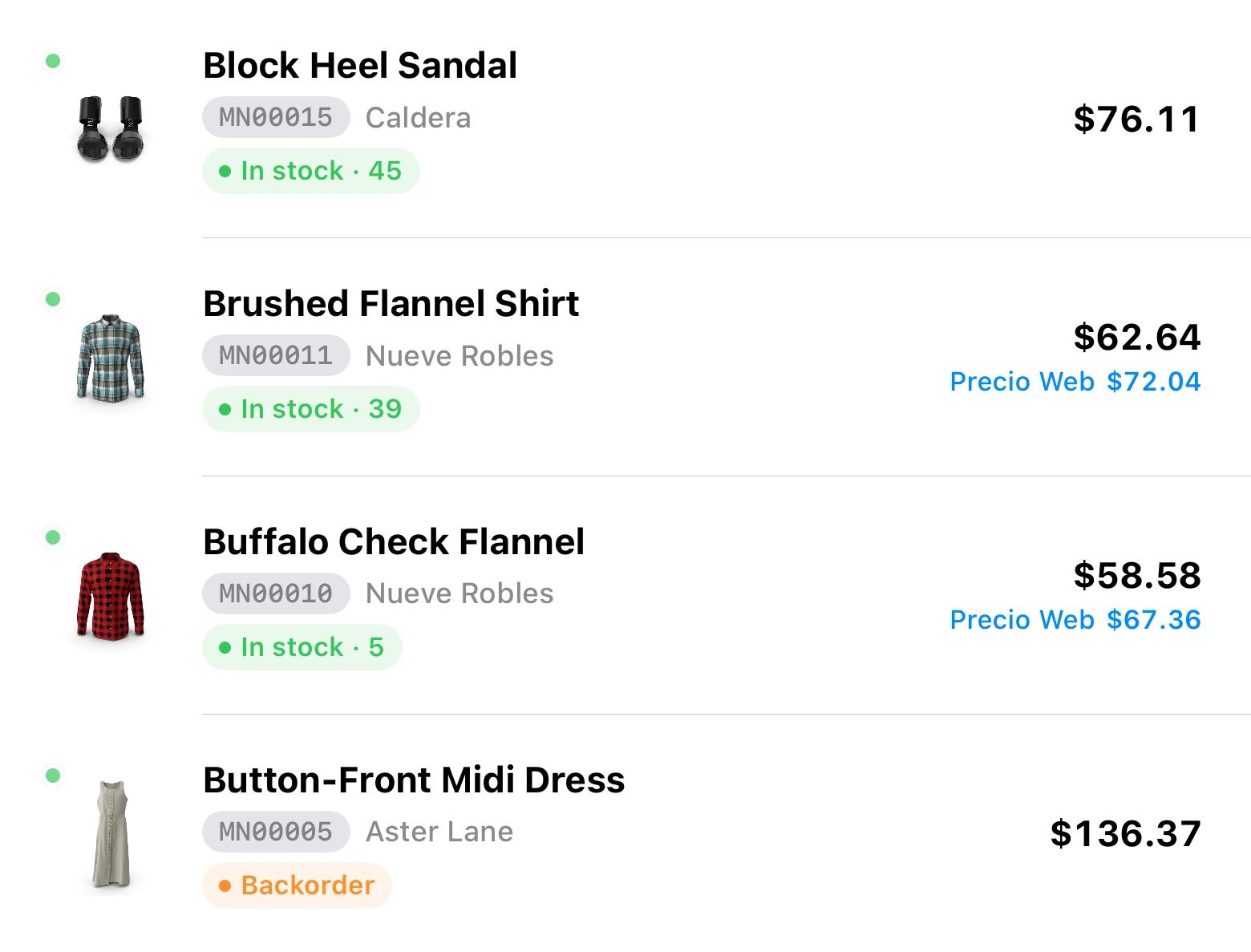
An inventory list is only useful if it answers without opening anything. In Inventury every row carries the photo, the name, the SKU, the brand, the stock and the price. What you have and what it sells for, at a glance.
Stock status is colour-coded: in stock, backorder or unavailable. No reading one number against another to work out whether it's time to reorder.
- Search by name, SKU, brand or barcode
- Variants of the same product: size, colour, format
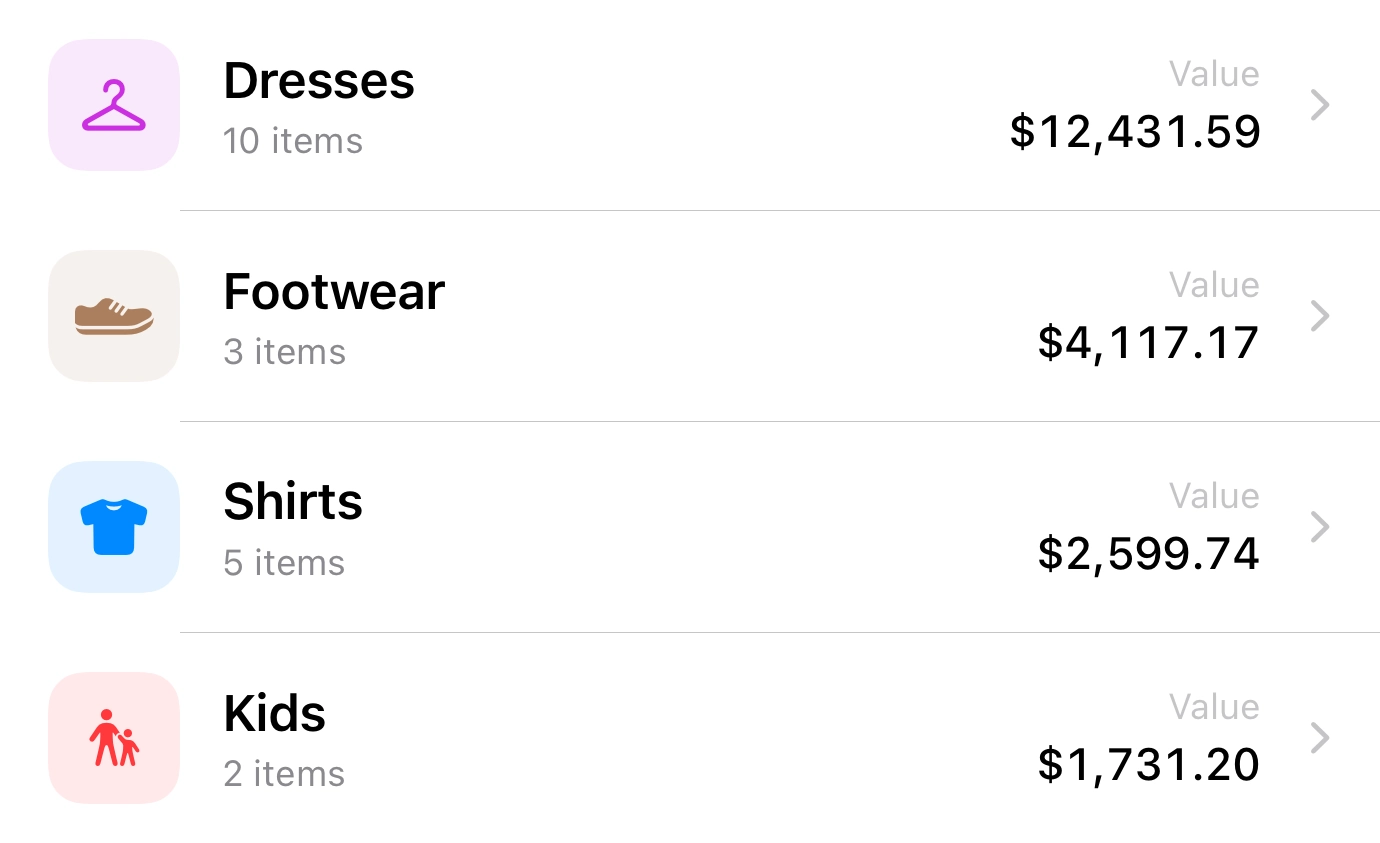
- Categories for when the catalogue outgrows one screen
- A photo per item, which is what actually makes it recognisable
Locations and transfers, without inventing a second system
Almost no business keeps one single pile of stock. There's the counter and the back room; a shop and a garage; what's listed online and what's physically here. When inventory can't tell those apart, the global number stops meaning anything.
In Inventury each location keeps its own count, and moving stock between them is a recorded transfer — not a manual correction nobody remembers two weeks later.
The sale takes the stock down in the same flow
Inventory goes stale at the exact moment selling and recording become two separate jobs. If you have to sell first and adjust later, the adjustment never comes.
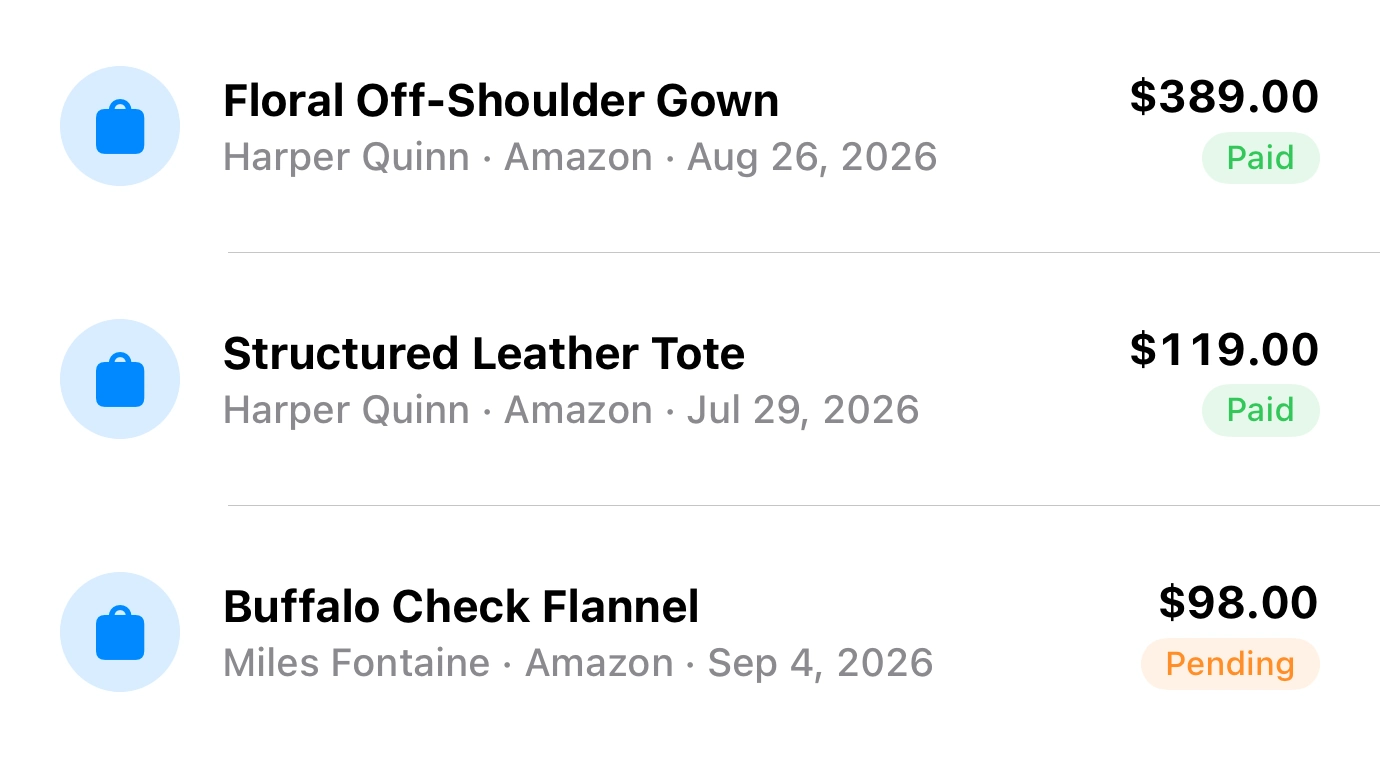
Here a sale is one thing: pick the item, the sale is recorded, stock goes down, the receipt exists. If the customer comes back, the sale is already attached to their profile and there's nothing to reconstruct.
- Counter sales, with their receipt
- Customers with their documents, addresses and history
- Quotes that turn into a sale without retyping anything
Reports you can read in a minute
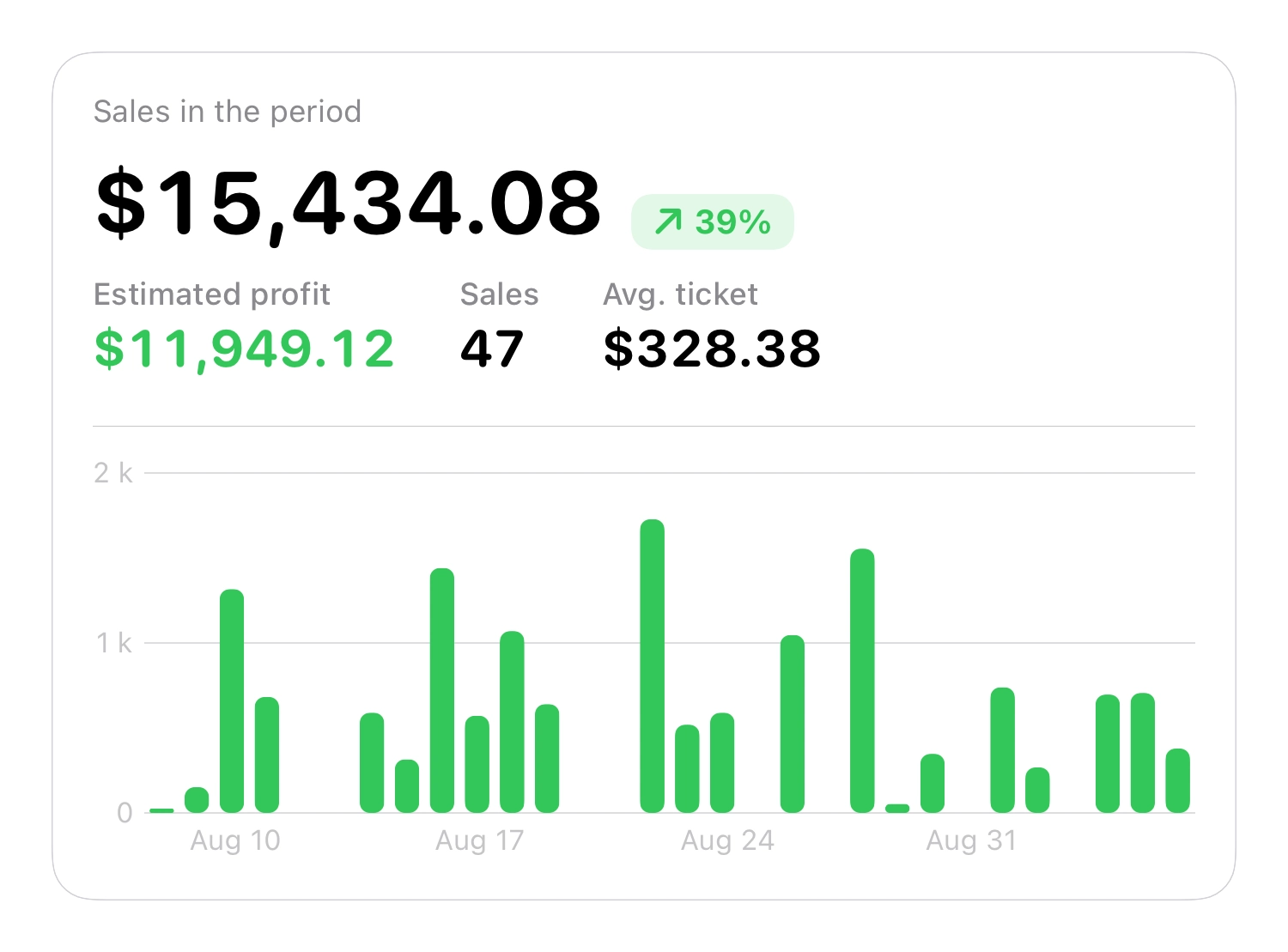
The reports nobody opens are the ones that ask you to pick twelve filters before showing anything. Inventury shows what decides the week: what sold, what margin it left, what's running out and what hasn't moved in months.
You can filter by period, by location and by sales platform — because the same product doesn't leave the same money sold at the counter as sold with a platform fee in the middle.
What each plan includes
| Plan | Items | Locations | Who it's for |
|---|---|---|---|
| Free | 10 | 1 | Getting things in order and seeing if it fits |
| Pro | Unlimited | 3 | A business that's already selling daily |
| Business | Unlimited | Unlimited | Several stores, a team and a counter |
Free doesn't expire. Pro and Business include a seven-day trial and are purchased inside the app.
Frequent questions
Does it work if I sell in a shop and online?
Yes, and it's one of the reasons it exists. You can keep separate locations for the counter and the online catalogue, and work out the price you need per channel with its fee included. On Business you can also connect WooCommerce or Shopify.
Do I have to create an account?
No. Inventury uses your Apple ID and keeps everything in your iCloud. No sign-up, no new password, and no server of ours holding your inventory.
My inventory is already in Excel. Do I start from scratch?
No — you can import from CSV. The usual route is to export the sheet to CSV, check that the name, SKU, stock and price columns are clear, and import.
Does it work offline?
Yes. The app works on the device and iCloud syncs when there's a connection. In a shop with bad signal you can keep selling and counting.
Can someone on my team help without seeing everything?
Yes. You share the store and each collaborator signs in with their own Apple ID. You decide whether they can only view or also edit, and they can't see your other stores or your costing setup. Pro includes 2 collaborators; Business, up to 10.
Get the inventory in order this week
Inventury is on the App Store. The free plan covers 10 items, which is enough to try it on whatever moves most.