Guide
Barcode scanning on an iPhone — and printing your own
The phone's camera is already the scanner. What changes the day is not the scan itself: it's that the code finds the item, and that whatever arrives unlabelled gets a label of yours.
Typing references is slow and it's wrong more often than anyone admits. A code read by the camera takes under a second and never mistakes a 0 for an O — the mistake that shows up three months later as two duplicate items.
This guide covers which codes Inventury reads, how the scanner is used for receiving and for finding, and what to do with everything that comes without a factory code.
What it reads, and with which camera
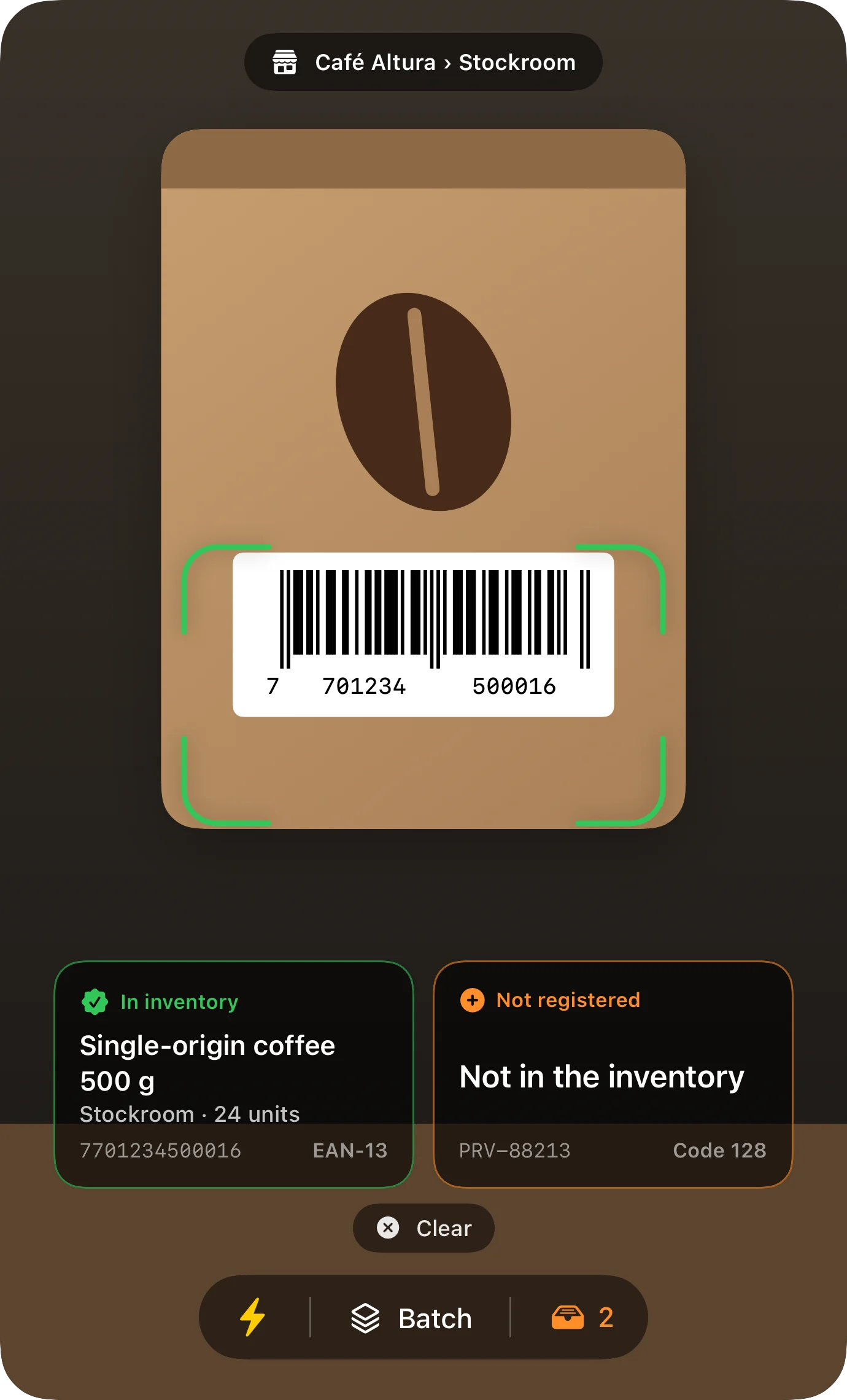
The scanner uses the iPhone or iPad camera — no separate reader, no waiting for anything to load. It reads the linear retail codes as well as stacked codes and QR, including the QR codes you print from the app itself.
There's a torch for dark aisles and back rooms, and if you ever denied the camera permission, the app walks you to the setting instead of showing a black screen.
Receiving goods: several codes in a row
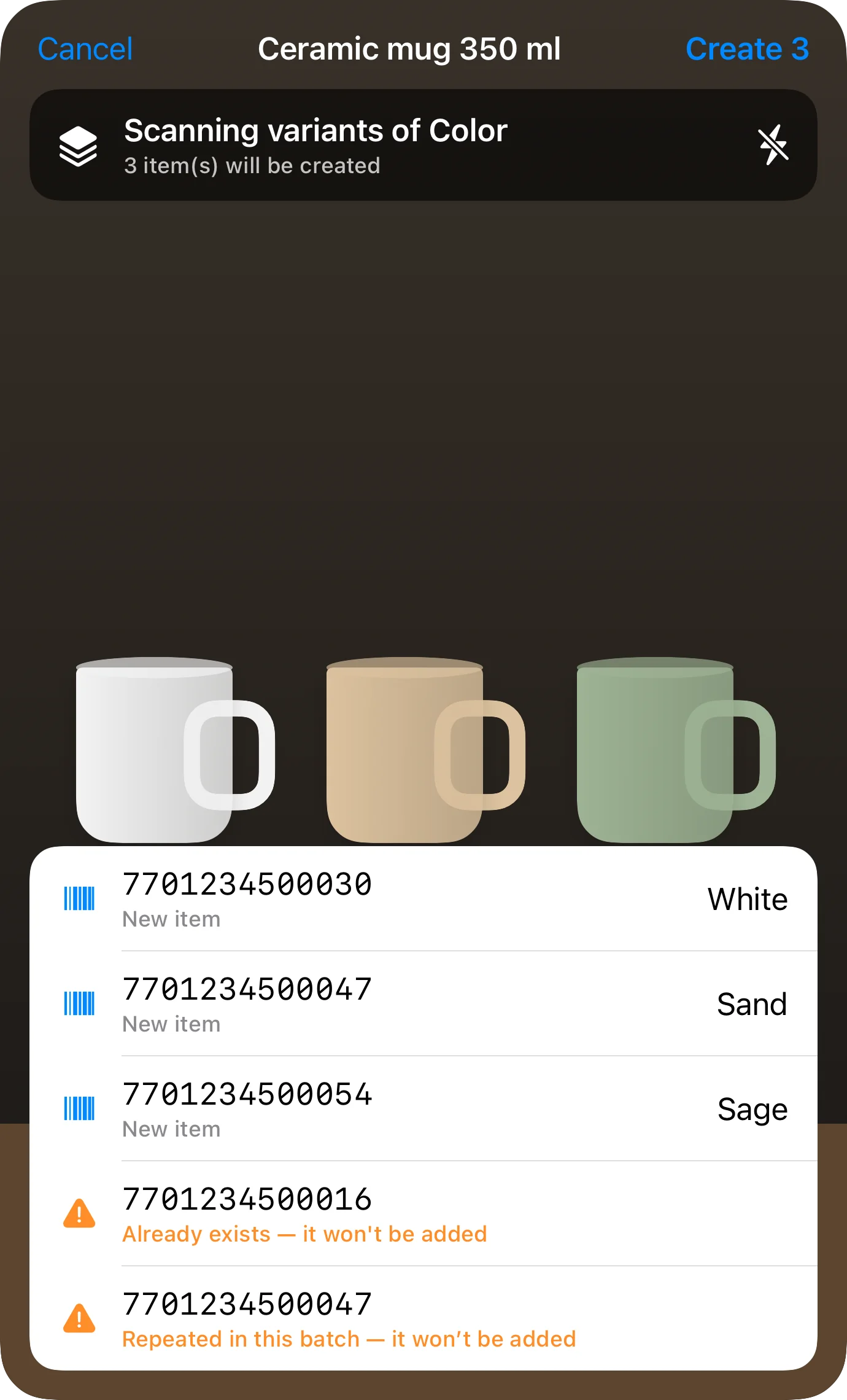
Entering twenty products one at a time, opening and closing the camera each time, is the reason scanners go unused. Inventury has batch scanning: codes read one after another without leaving the camera.
If the code is already in the catalogue, the app recognises it; if it isn't, it offers to create the item with that code attached. Receiving a delivery stops being an afternoon at the keyboard.
Search by code, not by what you named it
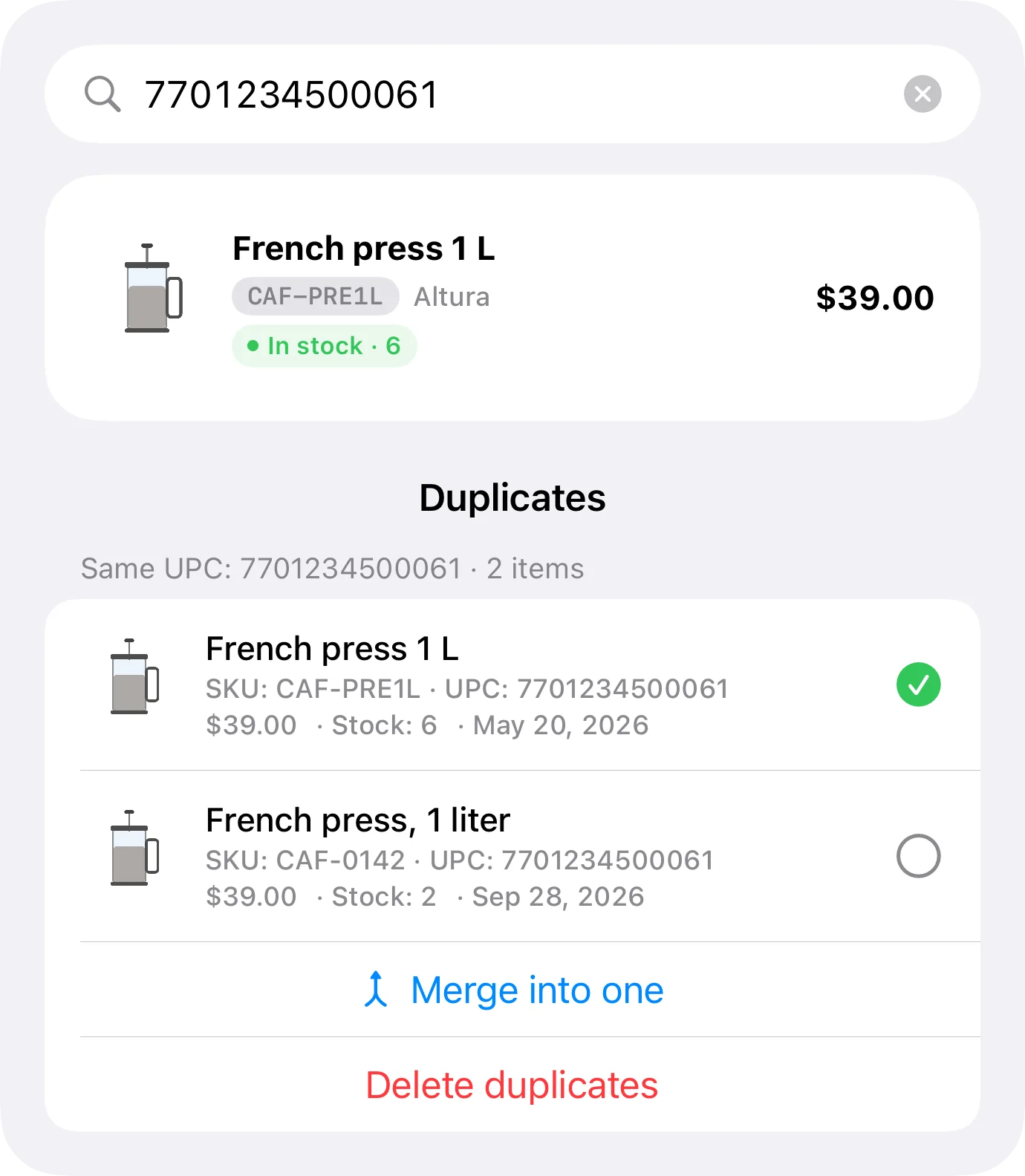
Search looks at your SKU, the manufacturer's UPC, the QR code and the supplier's SKU at the same time. It doesn't matter which one is in front of you: the supplier's paperwork, the box, or the label you stuck on yourself.
When two items share a SKU or a UPC, the app flags it and shows you both so you can decide which stays. Duplicates are what turn an inventory into a number nobody trusts.
Whatever arrives unlabelled, you label
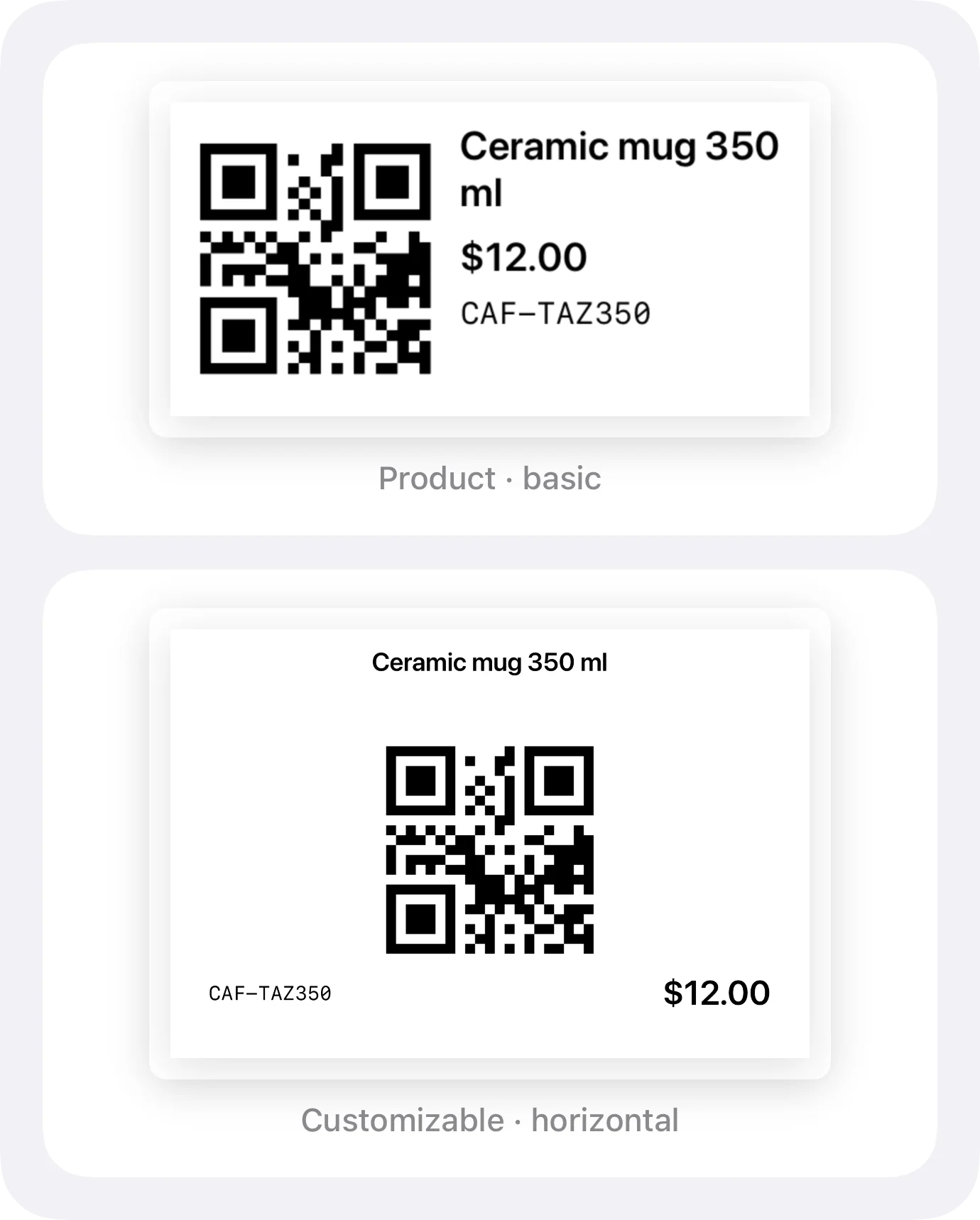
Plenty of what gets sold never had a code: bulk goods, handmade items, one-off imports, anything assembled in the shop. Inventury prints labels with the code, the name and the price, and the scanner reads them exactly like a factory one.
The editor ships 8 built-in templates and two ways to work: guided mode, where the app guarantees everything fits, and free layout, where you place the blocks yourself. Before printing, it warns you if something would run off the label.
- Sizes 102 × 152, 152 × 102, 76 × 51 and 51 × 25 mm
- AirPrint, plus Bluetooth thermal printers (ESC/POS and TSPL)
- Shipping labels with sender and recipient
- Printing labels and QR codes is on every plan, free included
The codes it recognises
| Code | Where you meet it |
|---|---|
| EAN-13 and EAN-8 | The factory code on most retail goods |
| UPC-E | The short version, on small packaging |
| Code 128, Code 39 and Code 93 | Internal warehouse and supplier labels |
| QR | The ones you print from the app for your items |
| PDF417 | Stacked codes on documents and IDs |
Frequently asked questions
Do I need to buy a barcode reader?
No. The iPhone or iPad camera is the reader. If you already own a Bluetooth scanner that behaves like a keyboard, that works too.
Does scanning an item deduct stock?
No. The scanner is for adding and for finding; stock goes down when you record the sale, from the register or from the item. Pointing a camera at a box never changes a count.
Can I use it to count stock?
It gets you to the item in a second so you can adjust what's there, which is most of the work of counting. What doesn't exist yet is a closed count session with a variance report at the end.
Will it print to a cheap thermal printer?
If it speaks ESC/POS or TSPL, yes: it pairs over Bluetooth and the app includes a diagnostic to work out which protocol it understands. Any ordinary printer works over AirPrint.
Are labels a paid feature?
No. Printing labels and QR codes is on every plan, free included. What the free plan limits is active items, not printing.
Try the scanner on whatever is nearest
Install Inventury from the App Store and point the camera at three things on the shelf. A minute is enough to know whether the method fits.